Skip to content
View in the app

A better way to browse. Learn more.

WRobot

A full-screen app on your home screen with push notifications, badges and more.

To install this app on iOS and iPadOS
  1. Tap the Share icon in Safari
  2. Scroll the menu and tap Add to Home Screen.
  3. Tap Add in the top-right corner.
To install this app on Android
  1. Tap the 3-dot menu (⋮) in the top-right corner of the browser.
  2. Tap Add to Home screen or Install app.
  3. Confirm by tapping Install.

alonzo83

Members
  • Joined

  • Last visited

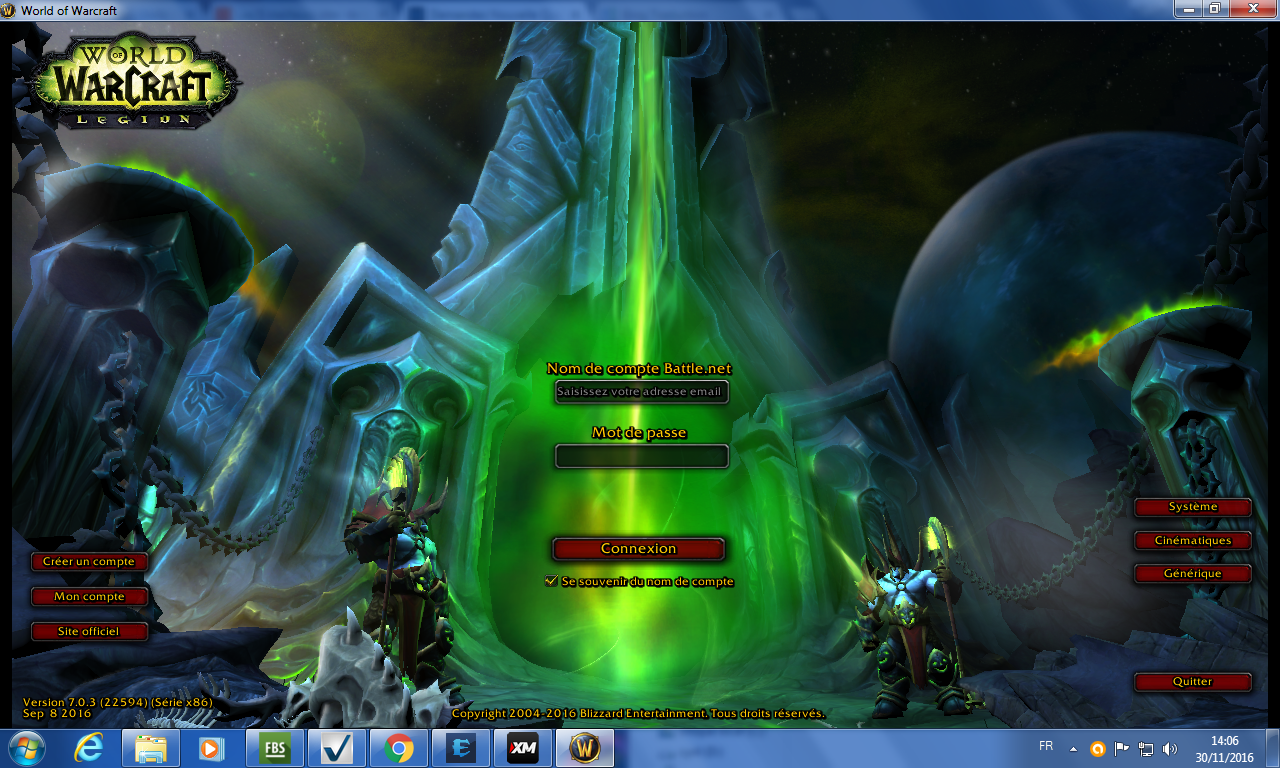
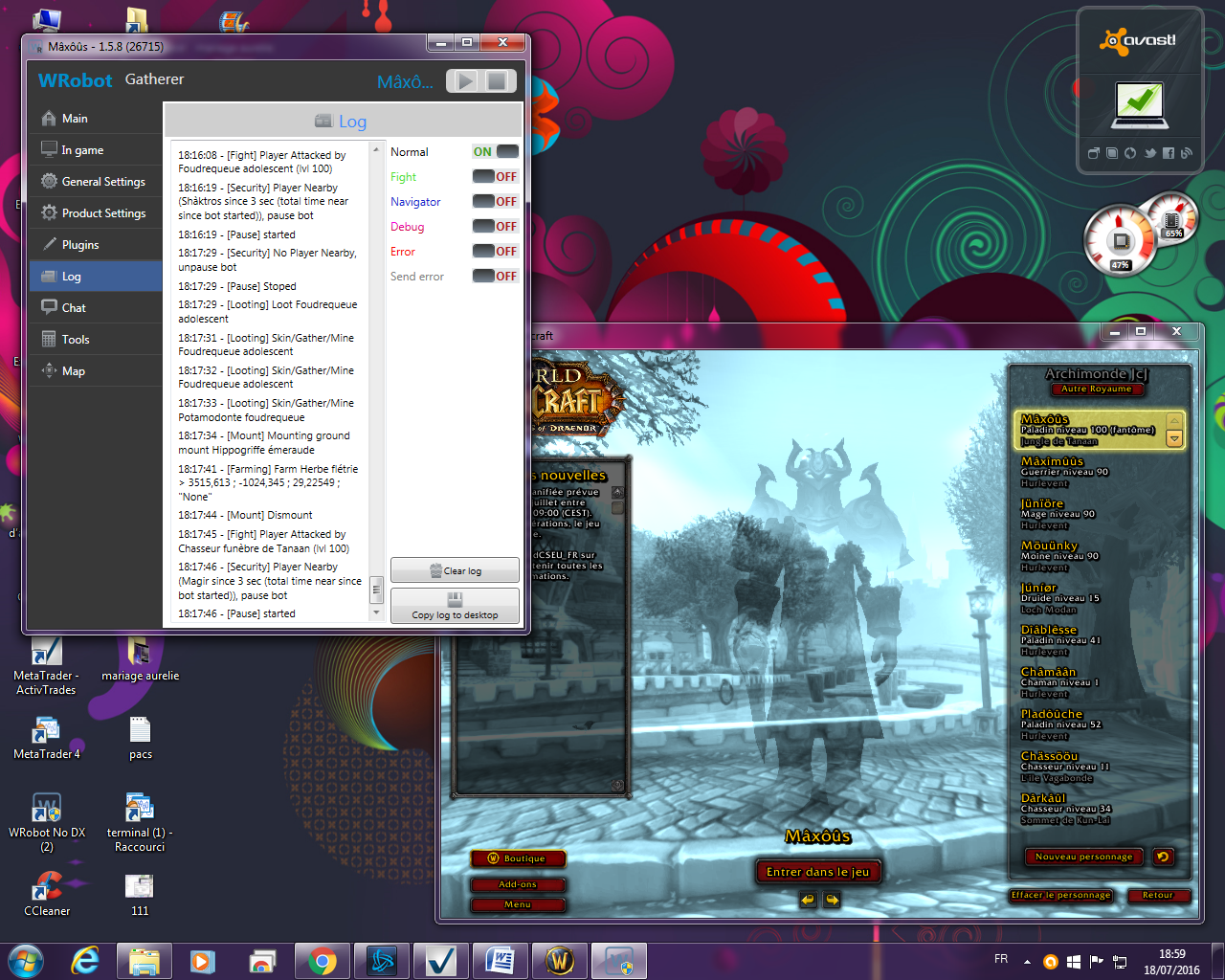
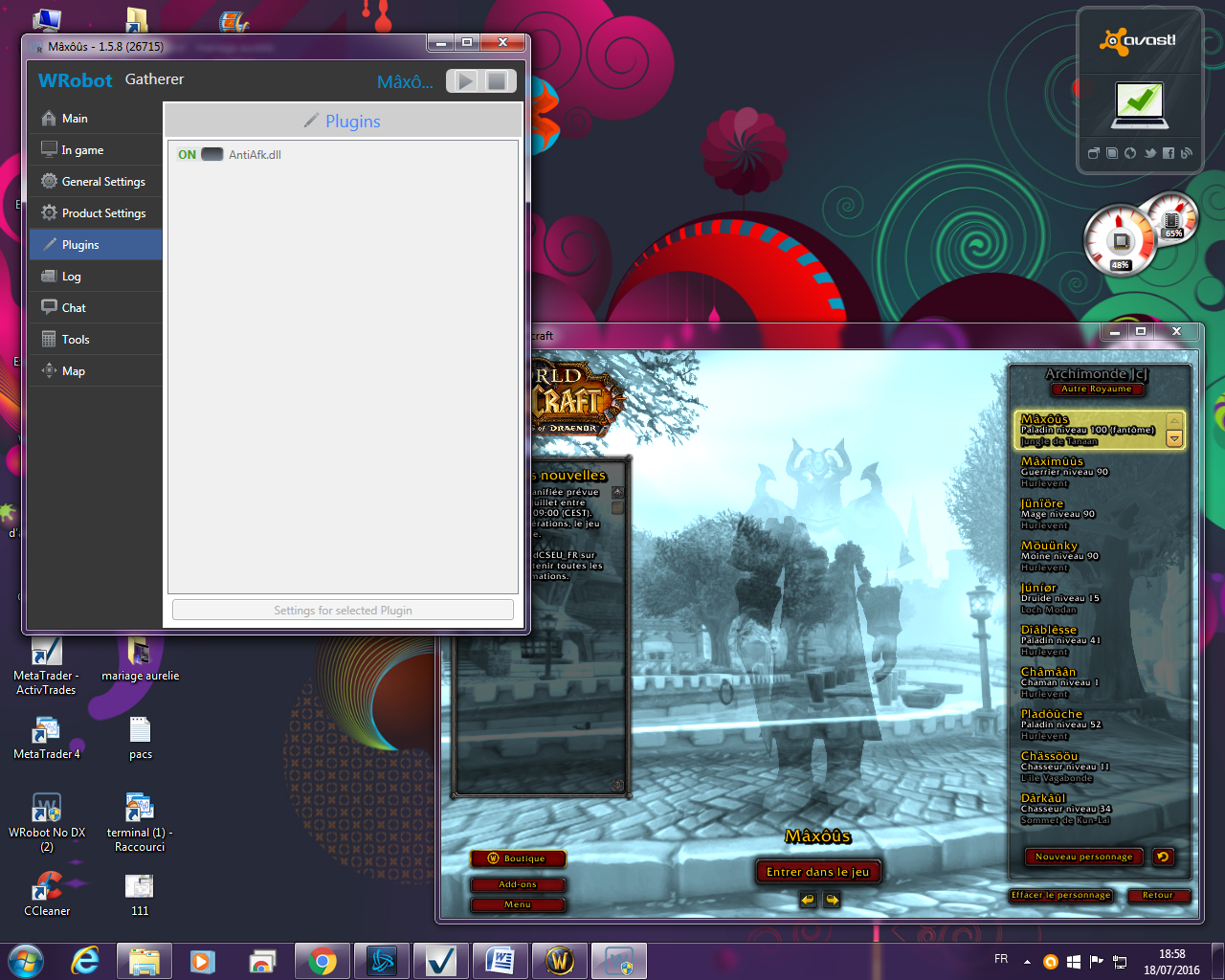
  1. Hello from a few days when the server crash and that the bot wants to log one caredisplay attached image... Thank you
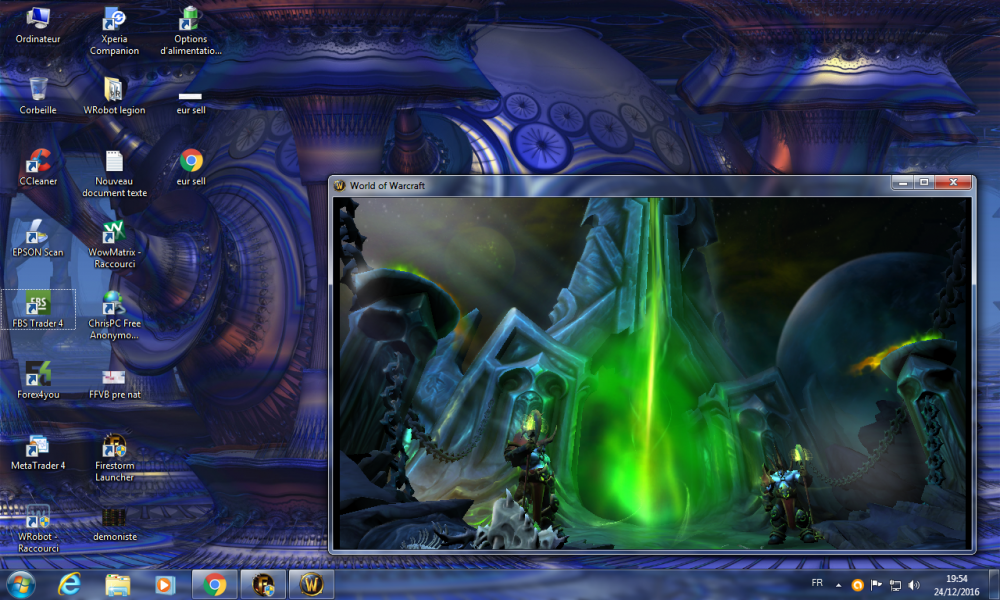
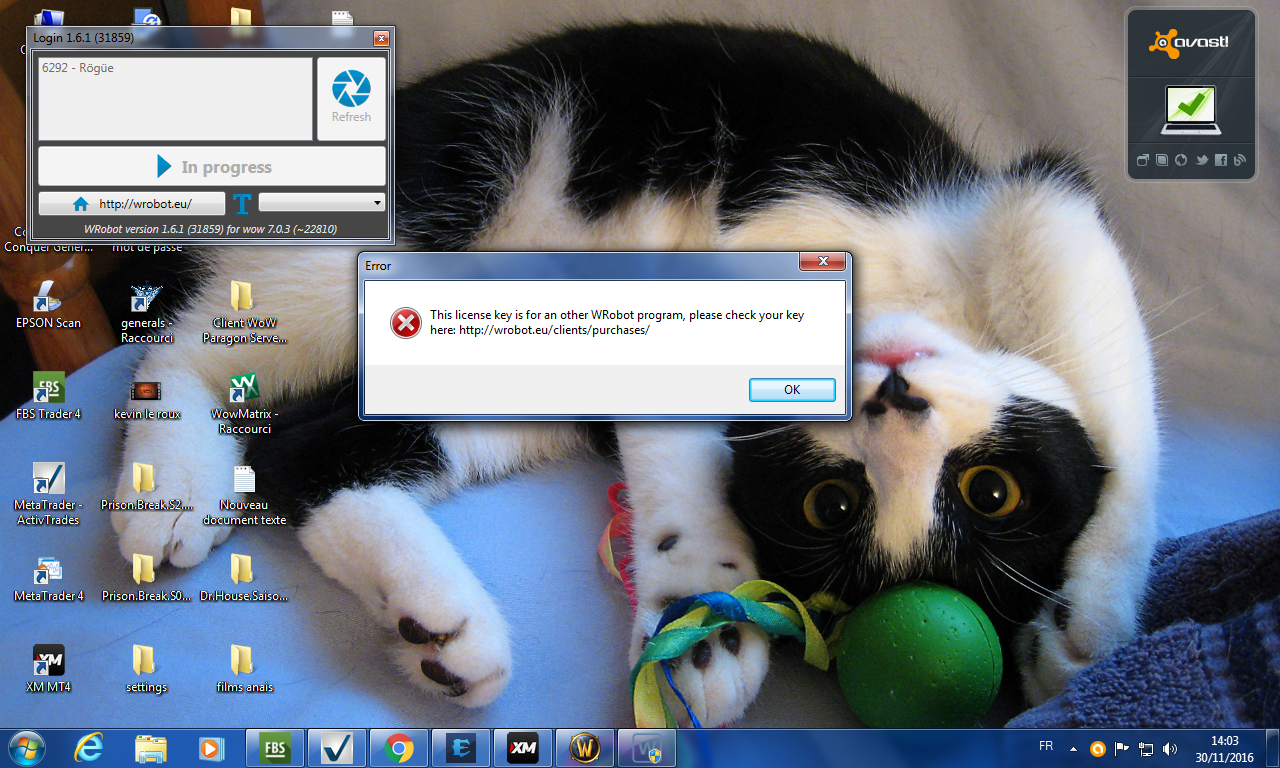
  2. Hello I just bought a private server key, but there's a problem my Server 7.0.3 and privatebut the robot recognize as an official server can make you the necessary please? Thank you
  3. 105 skin
  4. alonzo83 posted a topic in General assistance
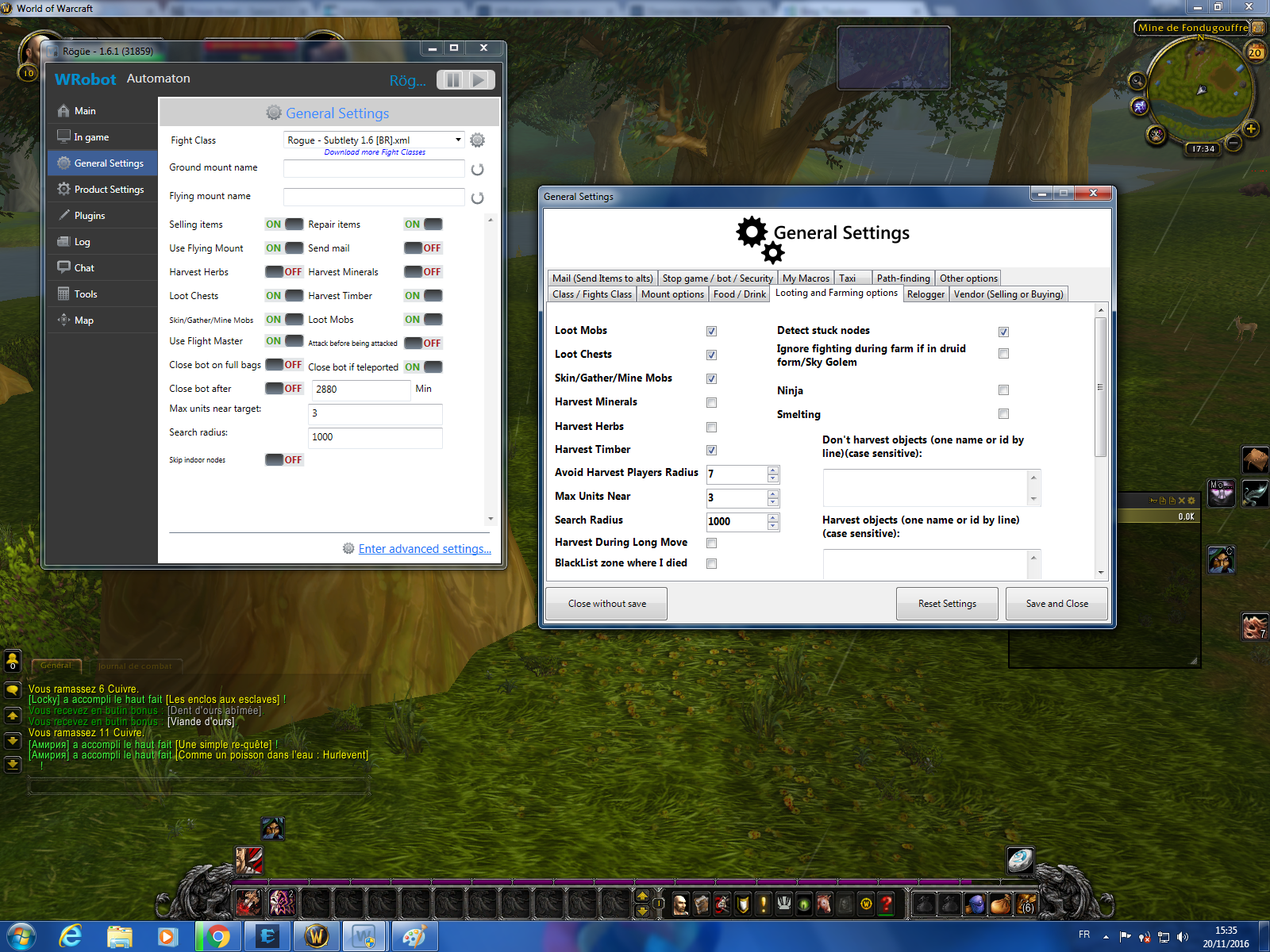
    Hello my butchering machine character more mob he makes a while but he most continue... thanks for your reply
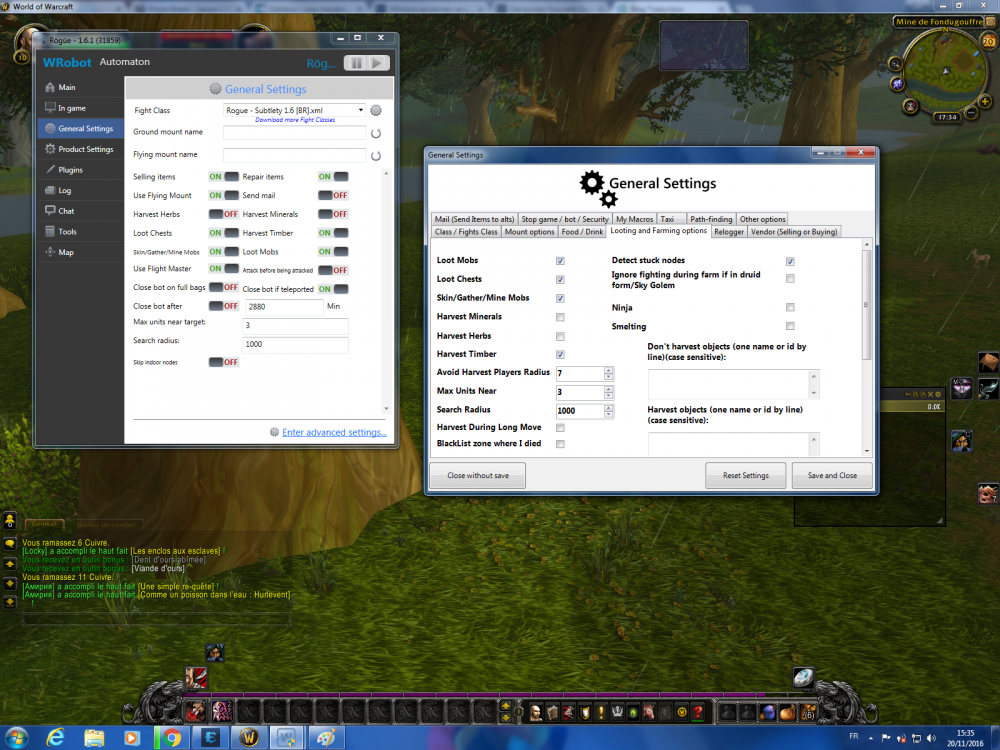
  5. Hello I currently have a private server but in 7.0.3 could do you to run the bot thanks
  6. Hello I want to know how to run the application with a private server wow legion 7.0.3? Thank you thank you
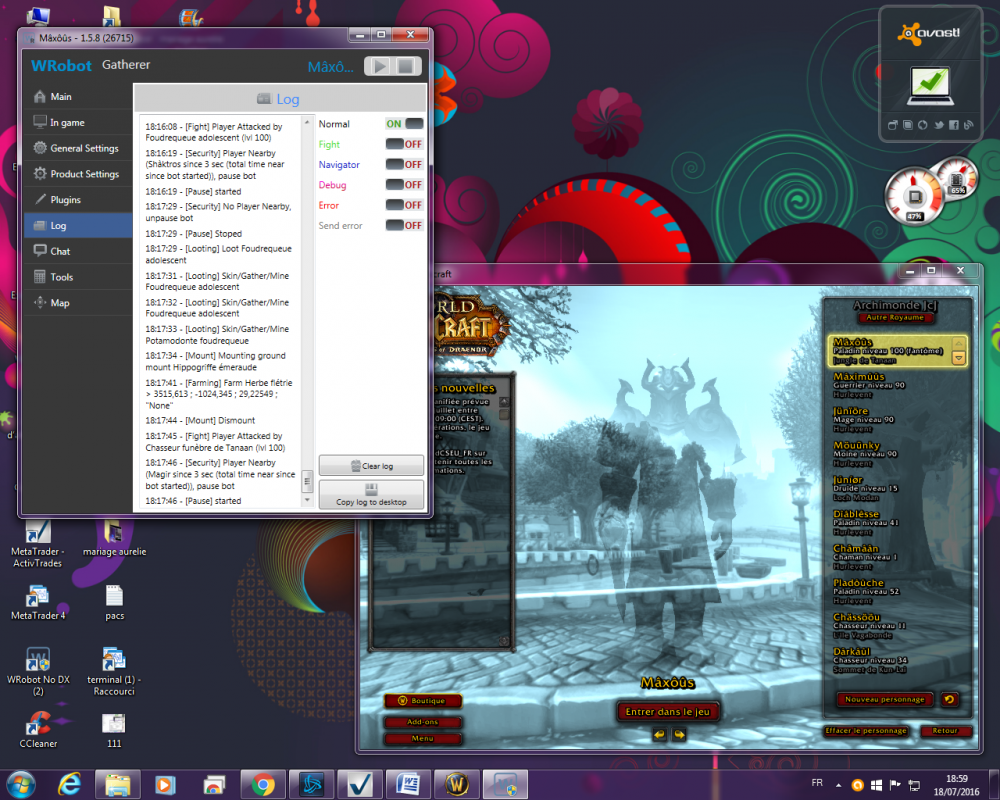
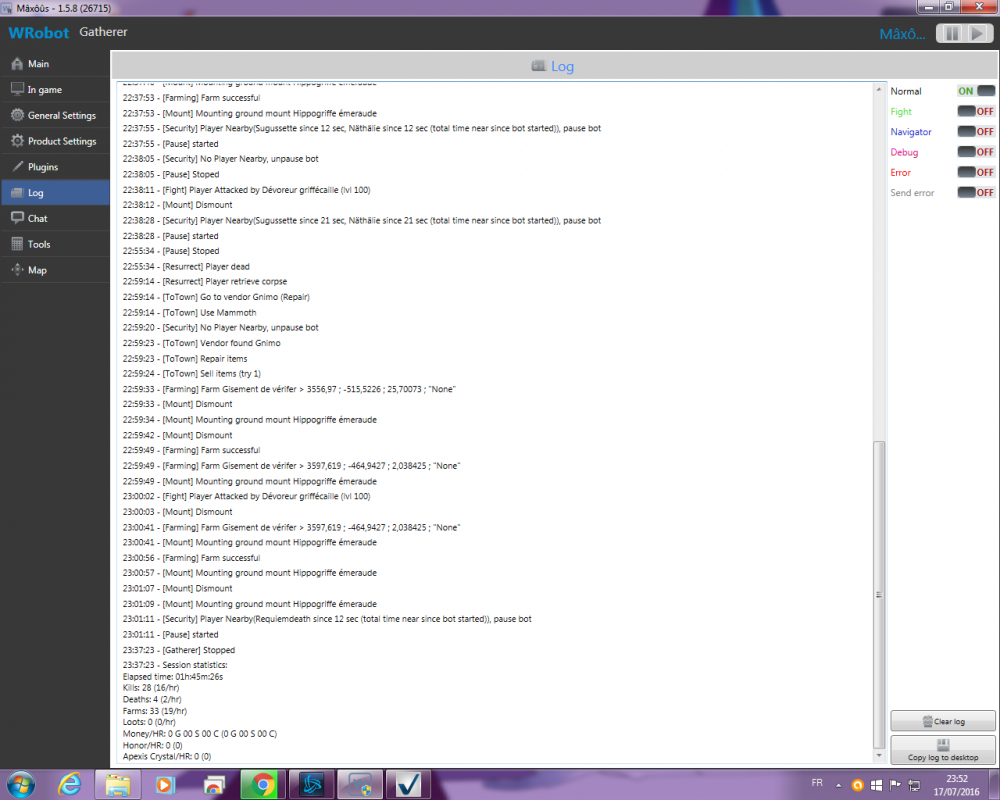
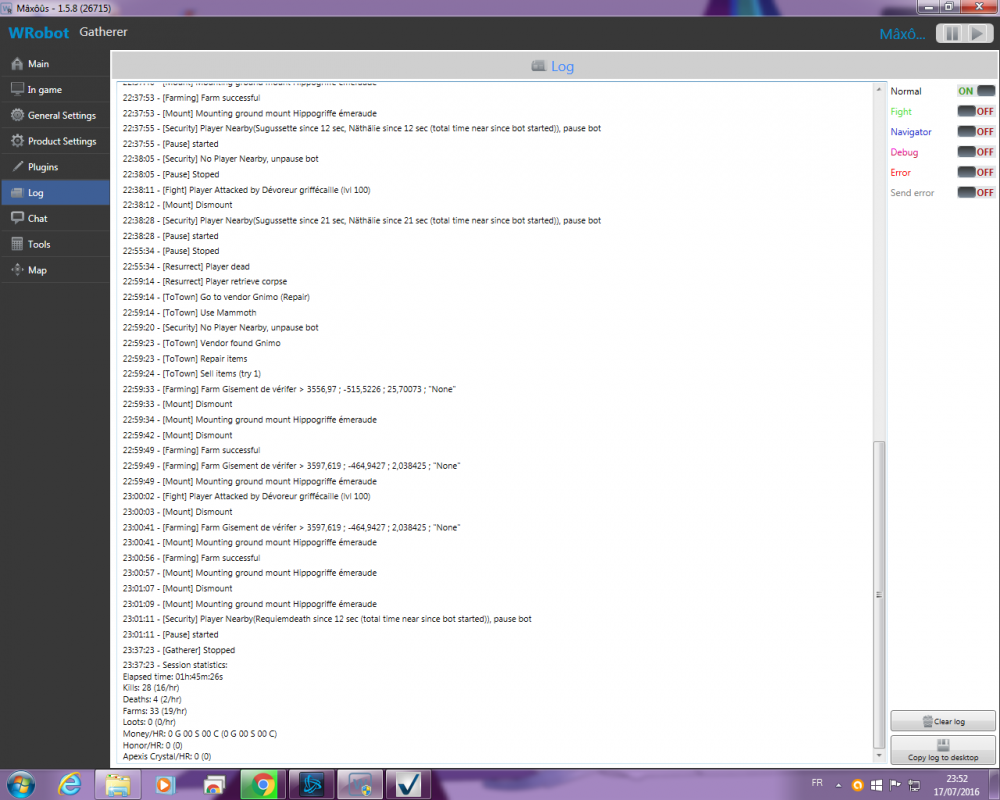
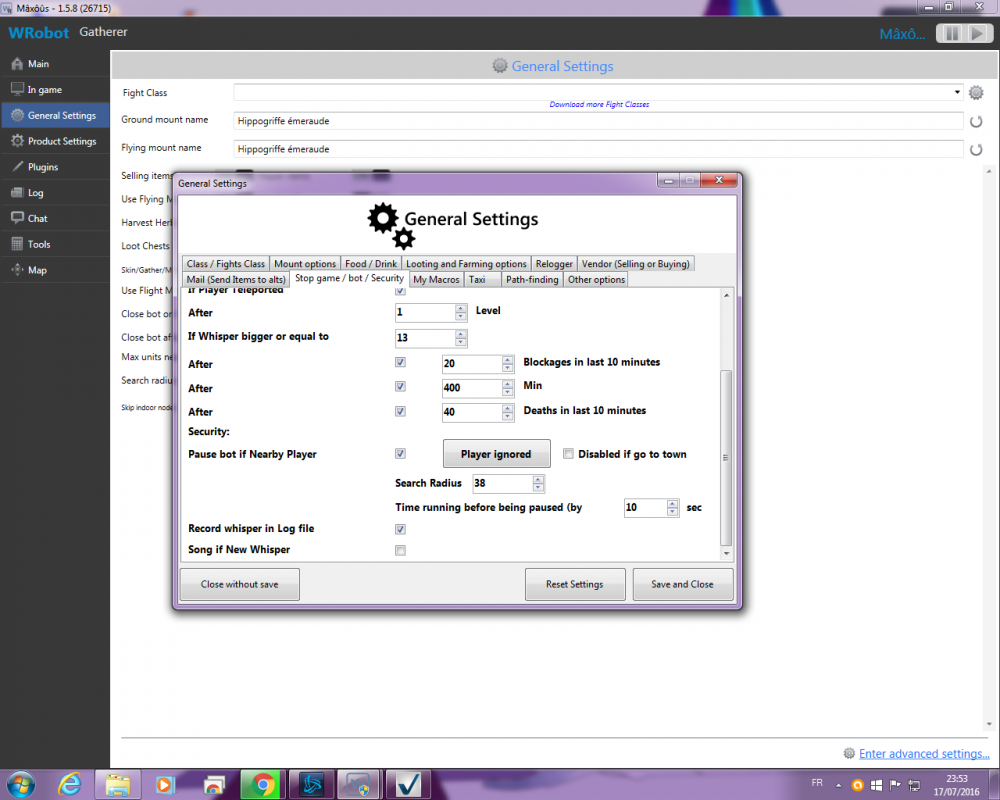
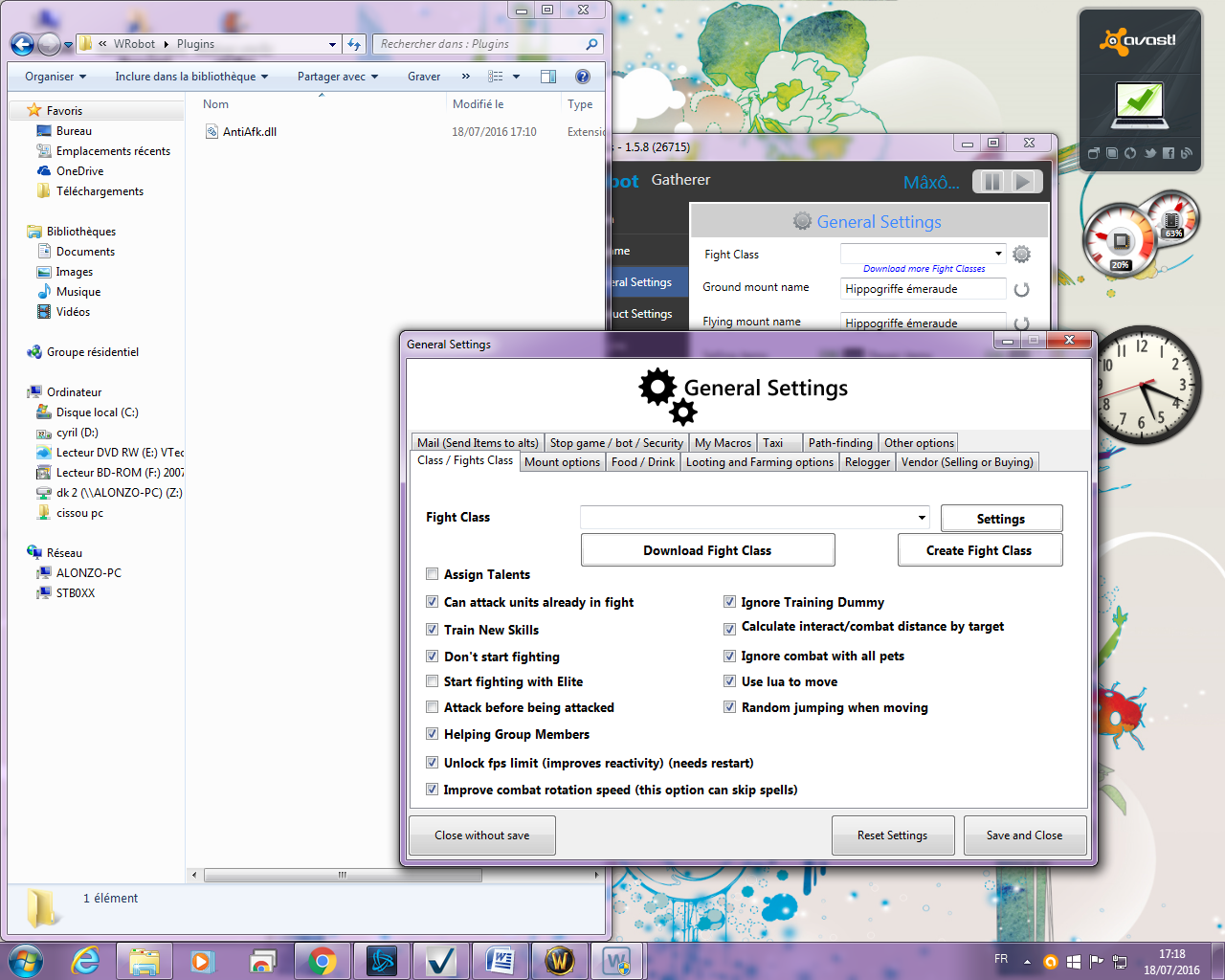
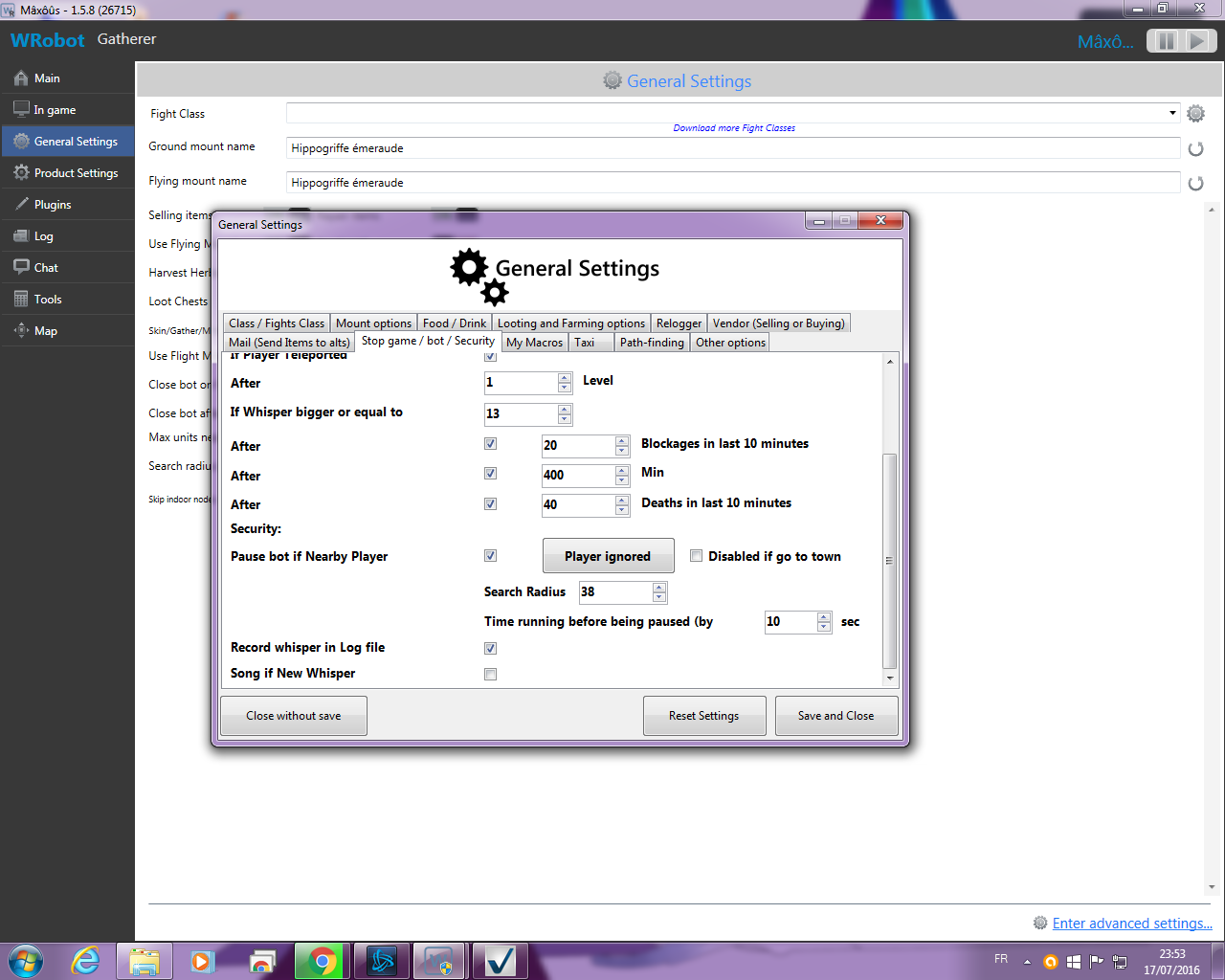
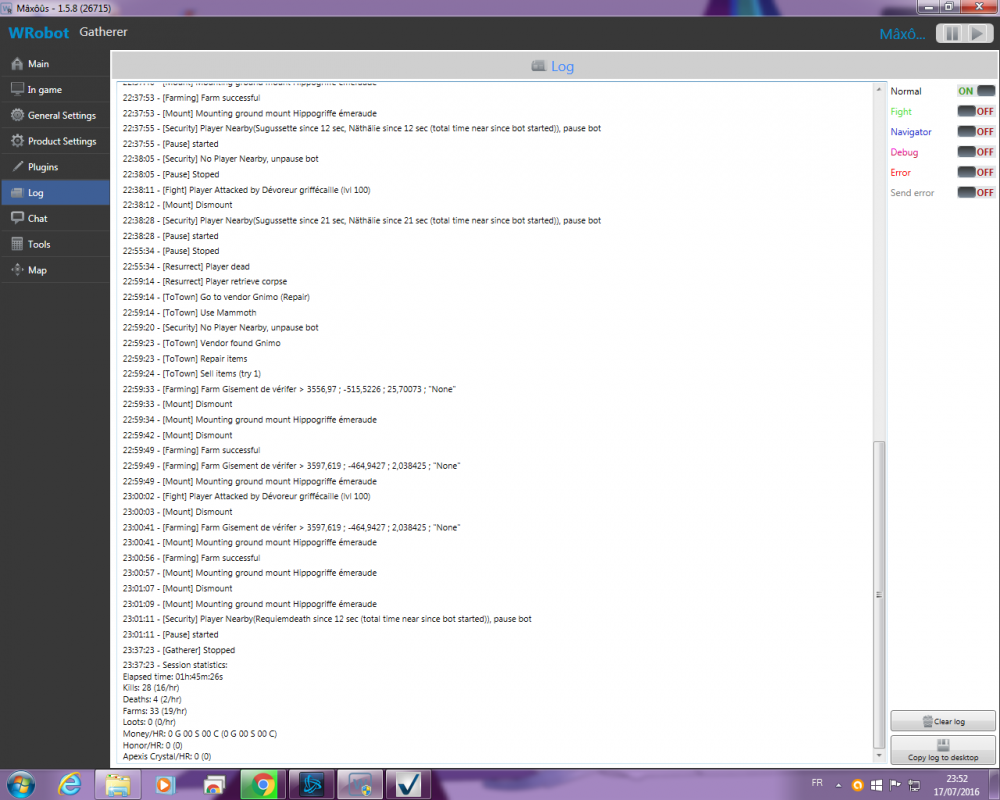
  7. Hello I activate the bot stop near a player option but often it disconnects from the gamebecause the bot rest too long pause here's my parameter in image I want that he just stop has quoted a player and which incorporates the road once the advantage player prevents me every time to reconnect and lose time thanks
  8. alonzo83 commented on alonzo83's bug report in Bug Tracker
    no
  9. alonzo83 commented on alonzo83's bug report in Bug Tracker
    18 janv. 2016 17H47.log.html
  10. alonzo83 commented on alonzo83's bug report in Bug Tracker
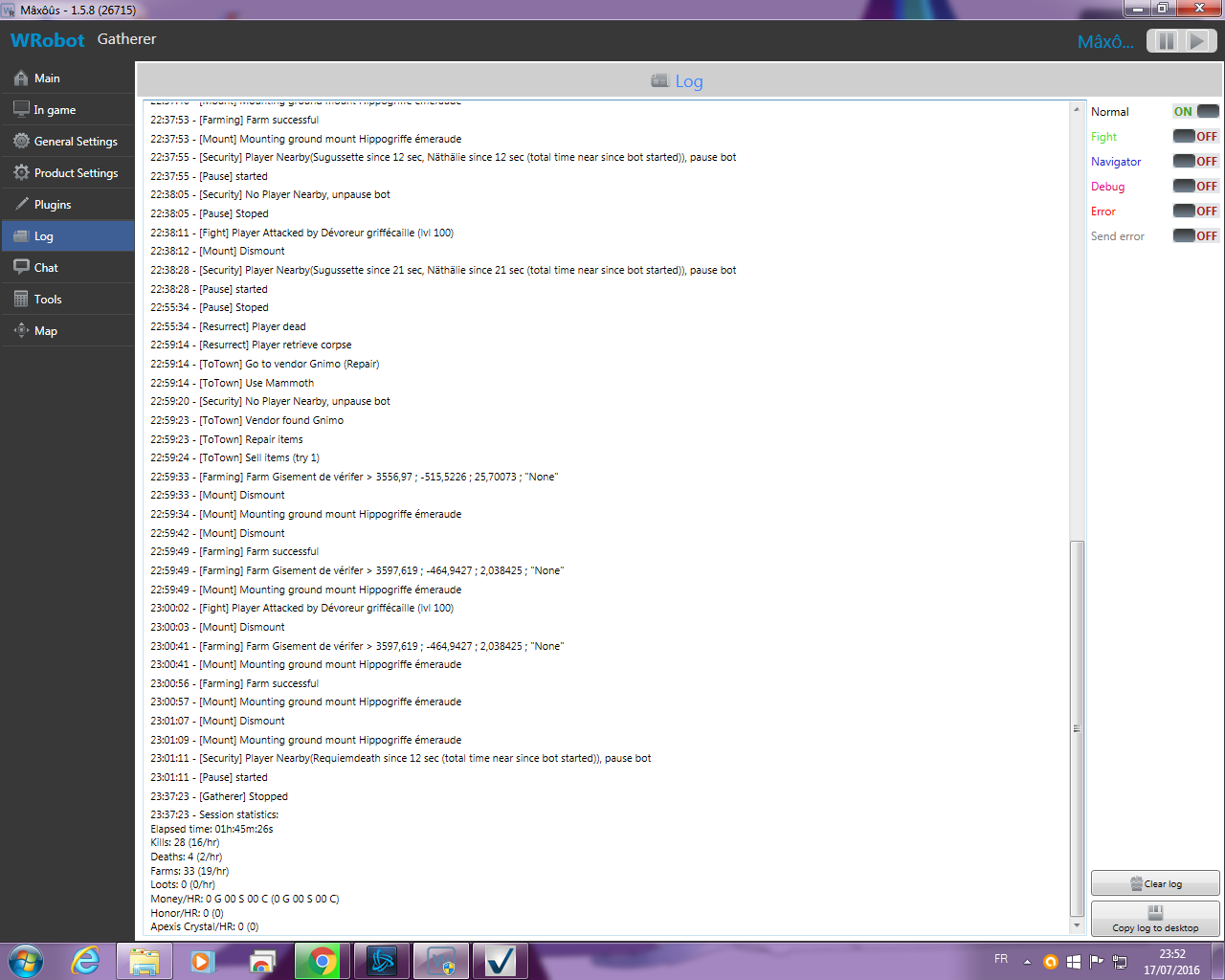
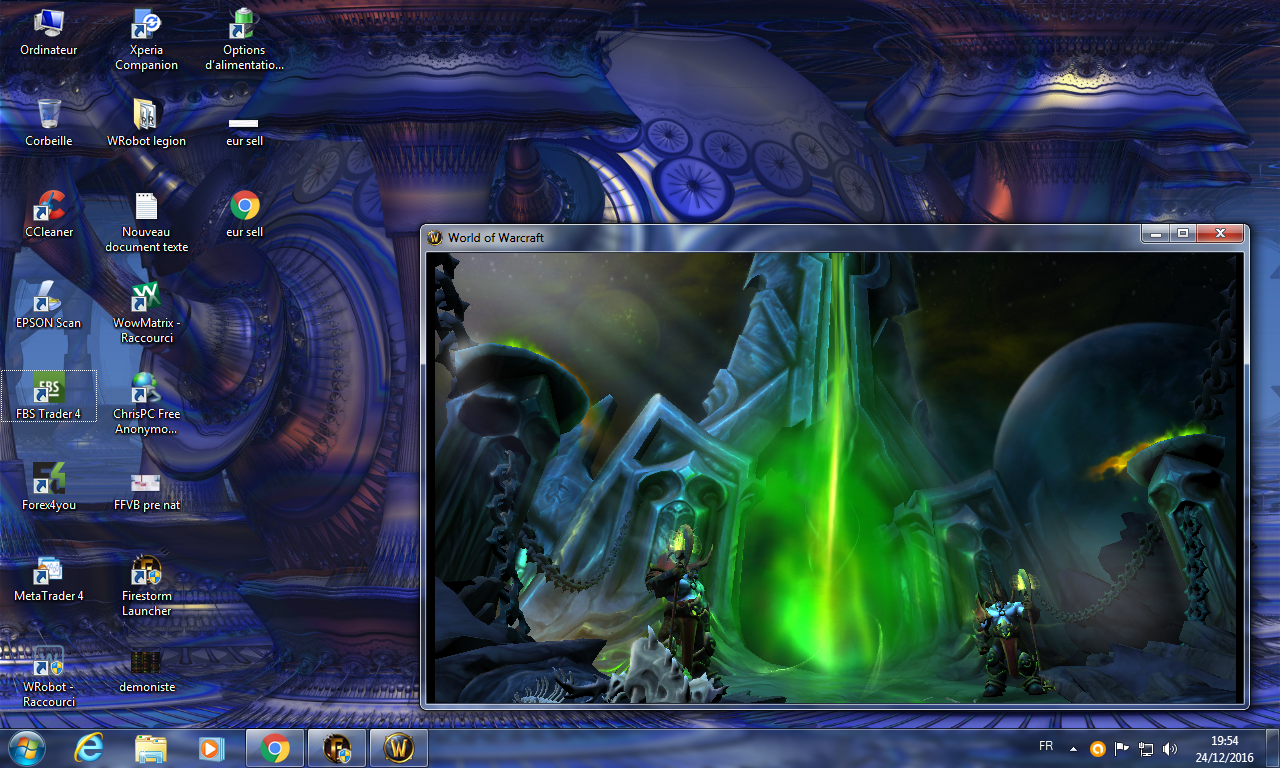
    I did as described in the tutorial its walk 3 days and is morning these distributed same problem opening of the bot and it closes me wow...
Account

Navigation

Search

Search

Configure browser push notifications

Chrome (Android)
  1. Tap the lock icon next to the address bar.
  2. Tap Permissions → Notifications.
  3. Adjust your preference.
Chrome (Desktop)
  1. Click the padlock icon in the address bar.
  2. Select Site settings.
  3. Find Notifications and adjust your preference.