



Skip to content
View in the app

A better way to browse. Learn more.

WRobot

A full-screen app on your home screen with push notifications, badges and more.

To install this app on iOS and iPadOS
  1. Tap the Share icon in Safari
  2. Scroll the menu and tap Add to Home Screen.
  3. Tap Add in the top-right corner.
To install this app on Android
  1. Tap the 3-dot menu (⋮) in the top-right corner of the browser.
  2. Tap Add to Home screen or Install app.
  3. Confirm by tapping Install.

Go2Corpse 1.0.0

(0 reviews)

1 Screenshot

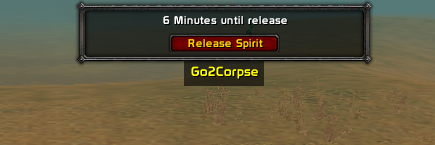
This plugin shows an ingame button which you can press for your char to move back to your corpse without accepting the ressurection.
The button should only show if you're dead.
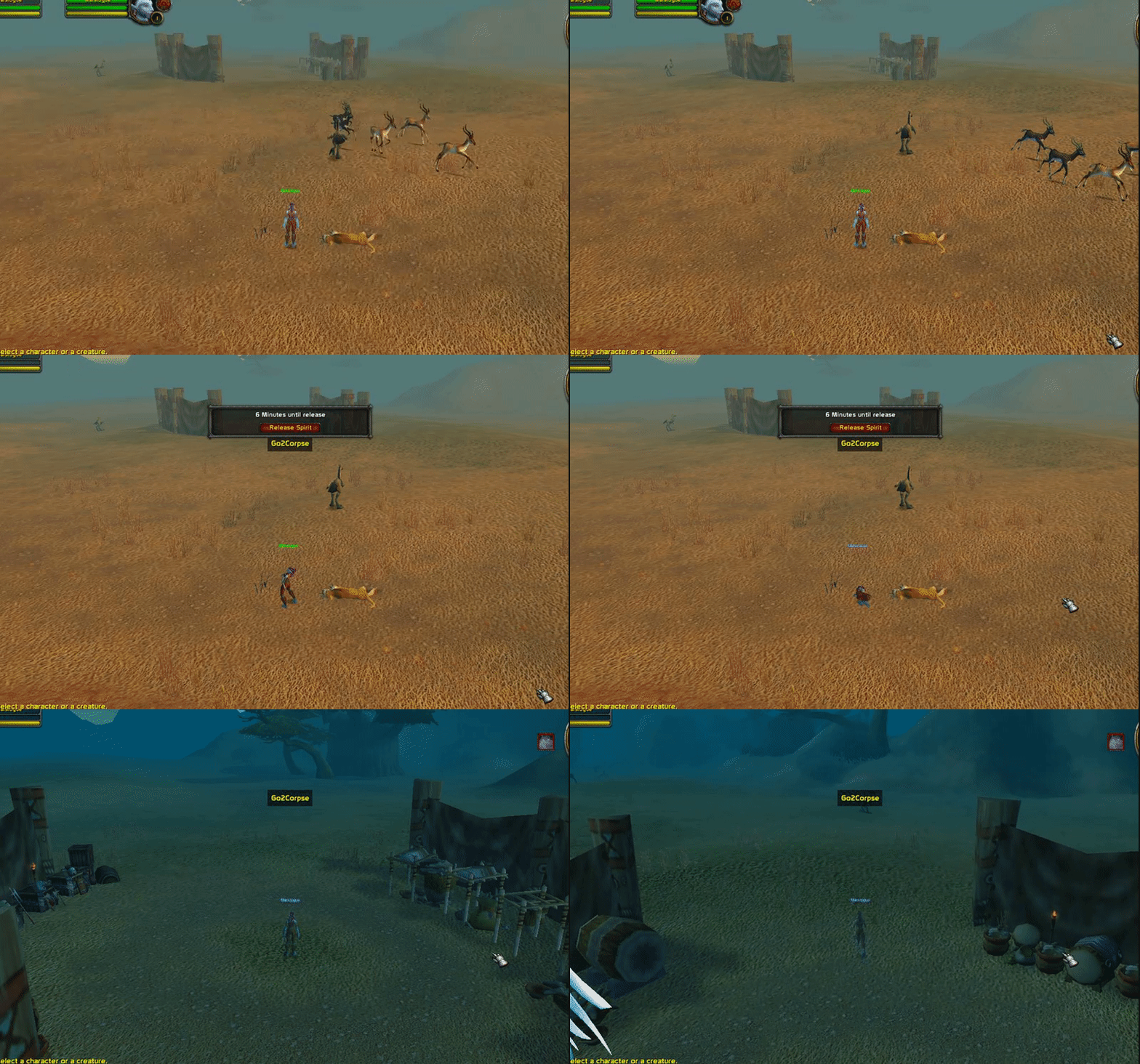
6e4318cda15aec65a7293b278a7b89fa.gif

Disclaimer: This is pretty poorly written as I don't know how to properly interact with ingame addon events, so if you do have a look inside the .cs file.. forgive me.

I used the WhatsGoingOn plugin as a base to start this from so cheers @Matenia.

User Feedback

You may only provide a review once you have downloaded the file.

There are no reviews to display.

Account

Navigation

Search

Search

Configure browser push notifications

Chrome (Android)
  1. Tap the lock icon next to the address bar.
  2. Tap Permissions → Notifications.
  3. Adjust your preference.
Chrome (Desktop)
  1. Click the padlock icon in the address bar.
  2. Select Site settings.
  3. Find Notifications and adjust your preference.