opcode209
Members
-
Joined
-
Last visited
Everything posted by opcode209
-
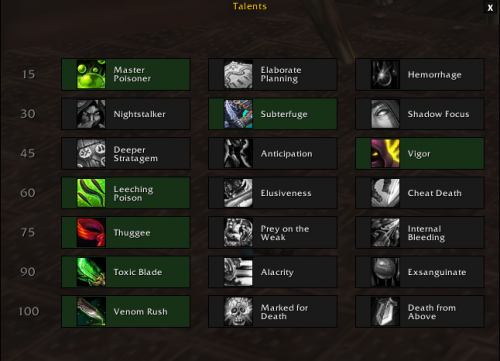 I will test this profile on my rogue ! Thanks for your contribution.
- 1 comment
-
- rogue
- poison
- 7.3.5
- rogue fightclass
-
Tagged with:
-
-
J'ai téléchargé la dernière version pour MoP, Wrobot est fonctionnel, je peut donc y mettre la même licence que le précédent ?
-
Bonjour, J'ai donc essayé de lancé Wrobot avec la licence qu'un ami ma donné, j'ai lancé le logiciel, celui à détecter sans problème le personnage, je charge donc la licence jusque ici tout vas bien, le problème est que Wrobot se lance et après 3s il crash, la fenêtre part pourtant il y a une semaine, je l'avait utilisé sur le même serveur privée (5.4.8). J'ai essayé la méthode pour changé le directx en jeu, le problème persiste, j'ai aussi essayé différentes manipulations que vous avez postés, le problème persiste. 27 oct. 2016 19H17.log.html