




Djazlizh
Members
-
Joined
-
Last visited
Everything posted by Djazlizh
-
A really bad profile. It skips alot of nodes and swim under bridge and try to fish, and drowns. Also it often stand to far away from note and cant catch anything.
-
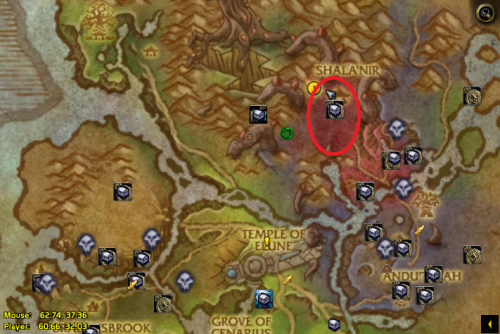 This dosent work for me, for some reason it runs away from the area it is suppose to be in. ?
 -
I cant make it Work... even with Bettersister fire mage fightclass. It it dosent gets stuck all the time then it dies all the time.
- 17 comments
- 4 reviews
-
ahh, so nothing to get worried about... I guess I just keep trying :-) Thanks
-
I used the bor for the first time today and it have run like 1 hour... but now I get this error when I try to log on. I can log on in 64 bit-mode... but not 32-bit as the bot requires :-(
