




Coolabah
Members
-
Joined
-
Last visited
Everything posted by Coolabah
-
-
can you update it so it can use the new ores ghost iron nugget so it can change them into ores
- 65 comments
- 9 reviews
-
Why isn't there more people helping droidz and kick gets paid by honorbuddy and the people that work hard with their profiles don't get paid by wrobot
-
can there be a raiding botbase sso it can use lfr and other raids
-
i think the mesh needs to be updated by @Droidz
-
i think this is a good idea to bring more botters into world of warcraft and make more sales by giving people a once off trial for couple days
-
hey can anyone make a profile to do all the old horde reputations
-
how do i change the location on where the file goes and can i select a folder to convert everything in folder and how can i convert these profiles https://www.thebuddyforum.com/honorbuddy-forum/honorbuddy-profiles/131188-official-honorbuddy-mega-profile-pack-lvl-1-110-a.html most of them are questing profiles but the profile conversion asks if i want to convert to gather or grinder profile
-
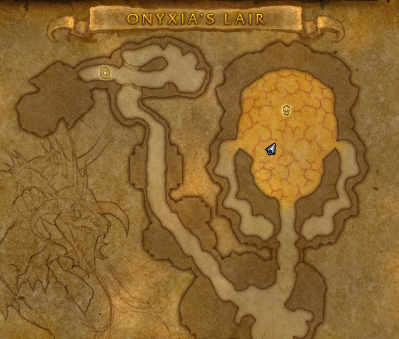 i started my character inside using quester and it works when you stand just outside entrance
 -
got key woop
-
paypal for some reason doesnt work for me
-
none i purchased through skrill
-
hi i bought wrobot for 10 years sub unlimited but no response yet
-
for eg how can i increase my rank im newbie is there any rank point or something in place and is there any difference in ranks