




dan681
Members
-
Joined
-
Last visited
-
bonjour une ame charitable m a script un pluggin nickel pour resoure mon souci....
-
hello, can someone help me set the right condition, I can't cast a certain spell thank you
-
bonjour quelqu un peut il m aider a parametrer la bonne condition je n arrive pas a faire lancer certain sort d avancce merci
-
merci pour la reponse rapide ....incident clos
-
Bonjour j ai une alerte virus virus" wacatac.C!ml" au lancement du bot....
-
Super fonctionne nickel merci encore et bonne journee par contre je ne peu pas tester le bot vu qu il n y a aucune fight class le rep est vide et j utilise un chasseur de demon ... cdt
-
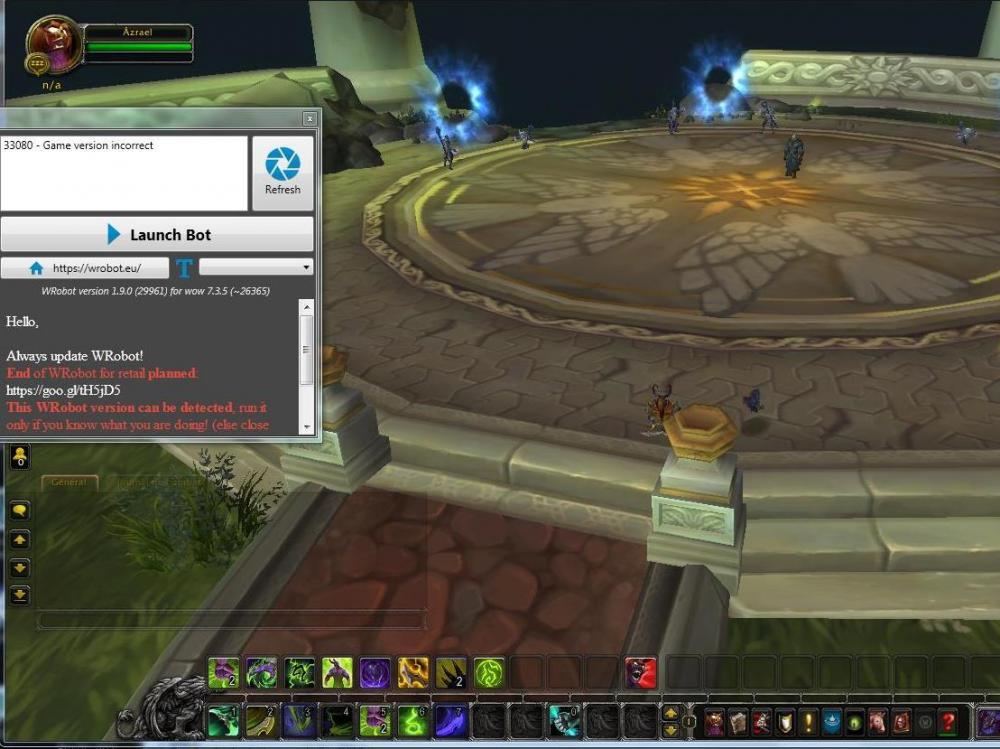
merci j ai bien telecharger la version http://download.wrobot.eu/wrobot/oldversion/WRobot_7.3.5_26365.zip mais au lancement ja i le message comme quoi ce n est pas la bonne version de jeu
-
-
bonjour est il possible d utiliser le bot sur cette version?... legion 7.3.5(26365) serveur prive firestorm cdt...
-
it's ok now i reset all the bot with a new install and update ... thank's for all
-
i think.... i put it into the rep named "fightclass" where i can see all the others xml ..........[Ohren]Arcane Mage.xml for example
-
hello sorry for my bad english why the fight class monk downloaded on site does not appear in the list of choice of the fight class list of the bot i put it in the fightclass rep thank's for answer

