




This is a good profile I used to level a number of characters as well as farm gold. It has a lot of skinning and some herbalism. Set your search radius to 20 or it may get pulled to close to another section of the path and skip an area.
A better way to browse. Learn more.
A full-screen app on your home screen with push notifications, badges and more.
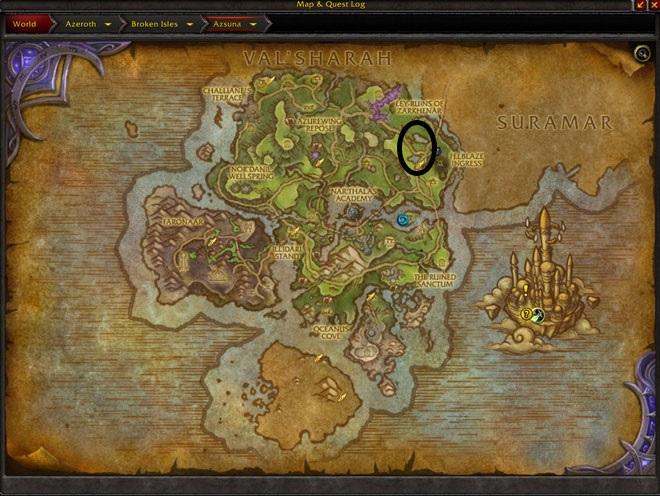
This is a good profile I used to level a number of characters as well as farm gold. It has a lot of skinning and some herbalism. Set your search radius to 20 or it may get pulled to close to another section of the path and skip an area.
You may only provide a review once you have downloaded the file.