Droidz
Administrators
-
Joined
-
Last visited
Everything posted by Droidz
-
WRobot for private servers?
-
Hello, You can look this tuto: After, the best way is to edit existing profiles for understand how this works. Do not hesitate if you have any questions (I need more detail on what you do not understand for a precise answer).
-
Hello, Use grinder bot (this bot contain by default low level profiles for farming herbs/mines).
-
-
Hello, For make an dungeon profile 100% afk, the best way is to use quest bot (or custom profile bot). Grinder cannot support dungeon at 100%.
-
Salut. Généralement quand le perso perd l'aggro c'est que la cible ne le focus plus, donc: var reckoningSpell = new Spell("Reckoning"); // http://www.wowhead.com/spell=62124 var target = ObjectManager.Target; // Utilise la cible que tu veux if (target.IsValid && !target.IsTargetingMe) { if (reckoningSpell.KnownSpell && reckoningSpell.IsSpellUsable && reckoningSpell.IsDistanceGood) { reckoningSpell.Launch(); } } Il y a aussi des fonctions lua si tu veux être plus précis.
-
Essaye d'utiliser le chemin complet de Lua: wManager.Wow.Helpers.Lua.LuaDoString("SetCVar(\"autoInteract\", 0);"); Pour http://www.wowhead.com/item=44098 tu peux utiliser: wManager.Wow.Helpers.ItemsManager.UseItem(44098); (Lua est quand même utilisé au final par le bot)
-
Bonjour, Dans les configurations de WRotation vous pouvez activer l'option "Attack all selected target...". Le problème (gène) avec cette option c'est que si vous sélectionnez un PNJ ou joueur amis il va essayer de l'attaquer, vous pouvez utiliser 'ALT-X' pour mettre en pause le bot rapidement.
-
Use this plugin to change quickly you settings:
-
Settings Backup Plugin to save/load WRobot settings (general settings) quickly. This plugin is created to change quickly your WRobot settings (if you need special settings for an profile/product, if you want use same settings on several characters). How to use: - Copy downloaded file in folder "WRobot\Plugins\". - Launch WRobot and go to tab "Plugins". - Select plugin and click on button "Settings selected plugin". (this plugin don't change WRobot during runtime, you don't need to active it)
-
Hello, Moved to good forum. And yes you can, use product "Profiles Converters"
-
-
Hello, it is all old WRobot versions (I don't guarantee that this works now and later). Go here:
-
Hello, Small new to say than WRobot support Wow 6.0.3 19342. Best regards, Droidz.
-
Hello, Small new to say than WRobot support Wow 6.0.3 19342. Best regards, Droidz.
-
Hello, You don't need to know XML, use tool in tab "Tools" button "Create Fightclass". Edit existing fightclass and add/edit spells (I have found http://wrobot.eu/files/category/19-warlock/for WoD, you can also update old fightclass: http://wrobot.eu/files/category/39-old-obsolete/ )
-
Hello, I have reply is not same spell but it is same way). Check in your log (just after start an bot with your fightclass) if your spell are found, you have line like: Spell(string spellName): spellName=Starfire, Id found: 0000, Name found: Starfire, NameInGame found: Starfire, know = True if know=False WRobot don't found spell, in this case use base spell name. If know=true the problem is caused by your condition, try to use lua condition to check buff.
-
Hello, For Wowwiki Sunfire replace Moonfire, try to use Moonfire instead Sunfire in your fightclass. You can also try to use lua condition like If you cannot resolve problem please fightclass.
-
Target have buff/debuff LuaScript: returnResult = false; local name = GetSpellInfo(53817); local name = UnitDebuff("target", name); if name then returnResult = true; end Research: true Var: returnResult Replace 53817 by your spell id. ps: to get buff/aura spell id you can use this script:
-
Bonjour, Pour les profils horde niveau 90-100 vous pouvez aller sur ce post: Sinon il y a également le site Français de WRobot qui contient quelques profils: http://mmorobot.eu/forum.php
-
-
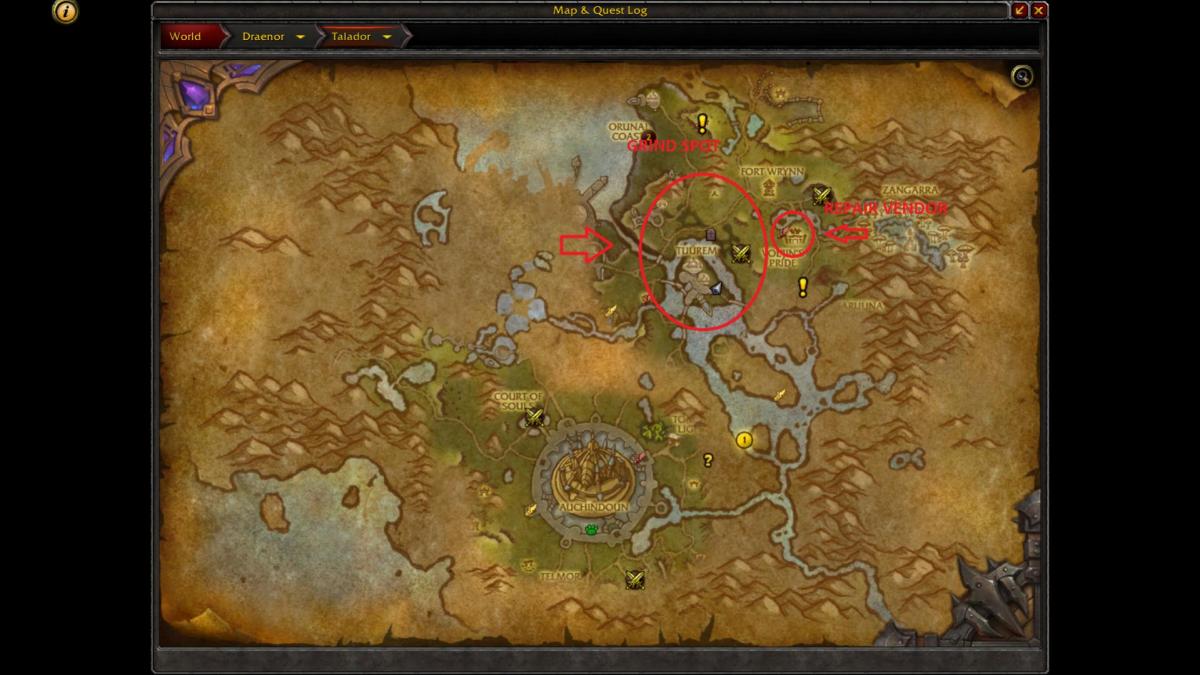
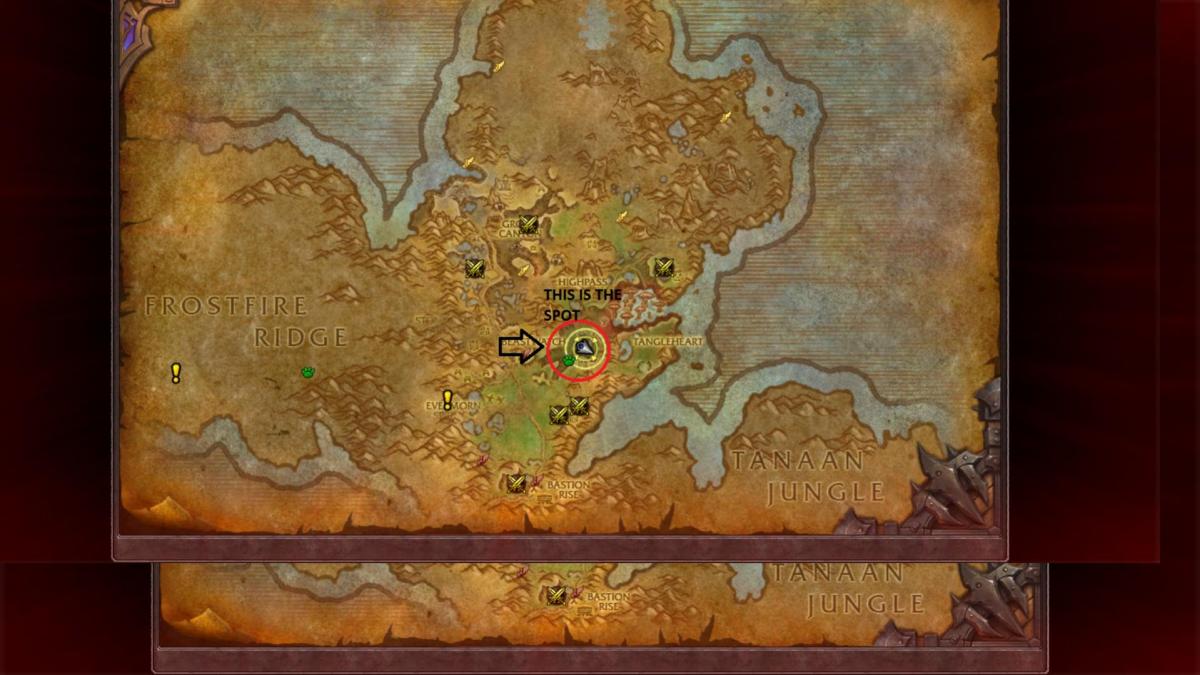
Hello, Try this (not tested), for level 97-100 use this H 94- 96 Talador.xml H 90-95 Frostfire Ridge 300k.xml H 90-96 Darkspears edge.xml H 92-94 Gorgrond.xml




-
Hello, I have just posted "multi pull" plugin here: I'll work on plugin for buy with honor point.
-
-
Hello, Wait next update, I have added support.