hansungkim
Members
-
Joined
-
Last visited
-
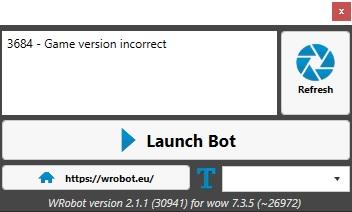
여보세요. 버전이 잘못되어 실행되지 않습니다. 어떻게해야합니까? 당신의 도움을 주셔서 감사합니다.

-
Hi. The version is not correct and will not run What should I do? Thank you for your help.
-
-
-
-
After update, I could see the warning message that " will you send to someone items sincerely ?" Plz can you let me khow how do I solve that problem??
-
-
After update, I could see the warning message that " will you send to someone items sincerely ?" Plz can you let me khow how do I solve that problem??
-
What problem is ?? What do you mean your problem appeared ?
-
After update, I could see the warning message that " will you send to someone items sincerely ?" Plz can you let me khow how do I solve that problem??
-
data -> autoMakeElementalMacro itemName = GetItemInfo(140220) if GetItemCount(itemName) > 9 then RunMacroText("/use " .. itemName) end add! Can I add like that ?
-
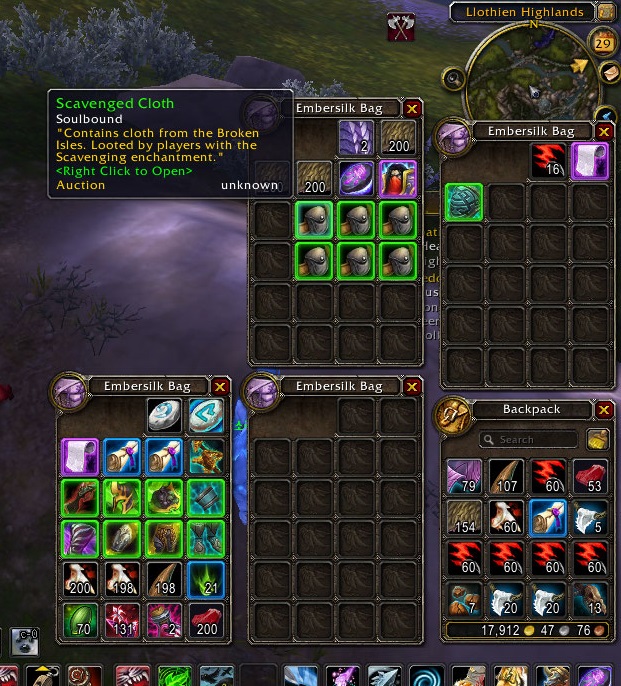
Enchant Shoulder - Boon of the Scavenger Can you let me khow how to open this Bag automatically??
-
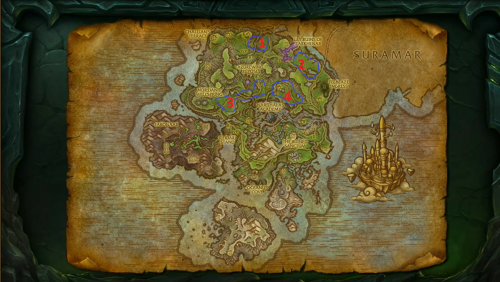 Enchant Shoulder - Boon of the Scavenger Can you let me khow how to open this Bag automatically??
- 19 comments
- 8 reviews
-
-

- 1
-
-
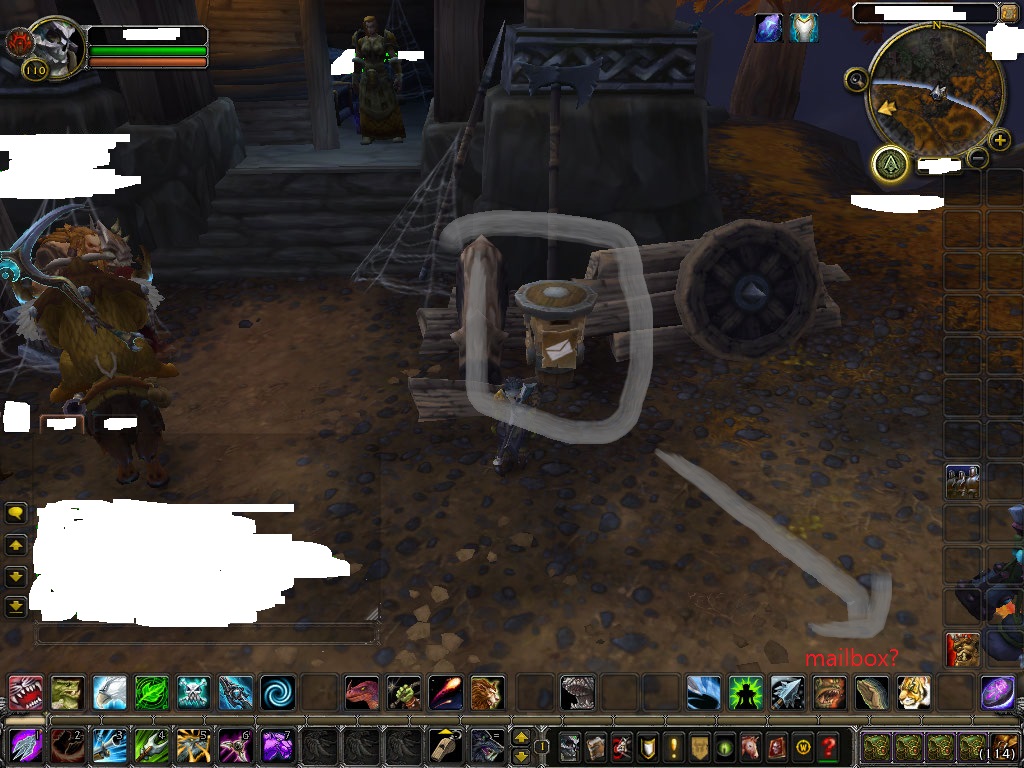
When i click the "tools" in mailbox , I can't find that name And if I click , It gonna be opened
-
In general, it is not possible to add a mailbox
-
yes click possible
-
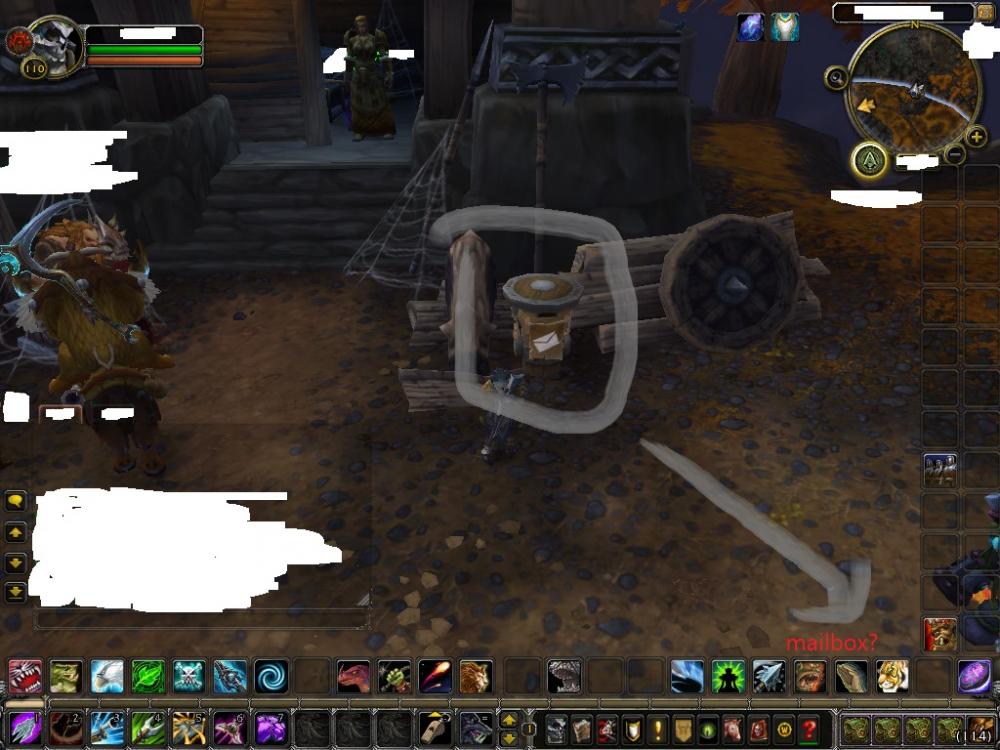
stormheim mailbox Tooltips be gone. How to Set Up?
-