Droidz
Administrators
-
Joined
-
Last visited
Everything posted by Droidz
-
Hello, At the end of your subscription, we will send you an invoice with renewal link to remind you to renew your subscription. We will not automatically renew your subscription. (to cancel renew invoice (video): https://download.wrobot.eu/wrobot/others/CancelRenewals.mp4 )
-
Hello, what product du you use?
-
Hello, try to disable wow addons, if your problem is not resolved can you share your log file please
-
If I understood correctly, not with the default options.
-
Hello, Can you share your log file please ( https://wrobot.eu/forums/topic/1779-how-to-post-your-log-file-with-your-topic/ ).
-
Hello sorry no working version support this version now.
-
share your log (you can send me it by private message)
-
try to remove cache folder or to download another wow client, but it is strange
-
I have been to the exact position and I can't reproduce the problem. Do you know if you're the only one with this problem?
-
can you share screenshot of you gatherer product settings
-
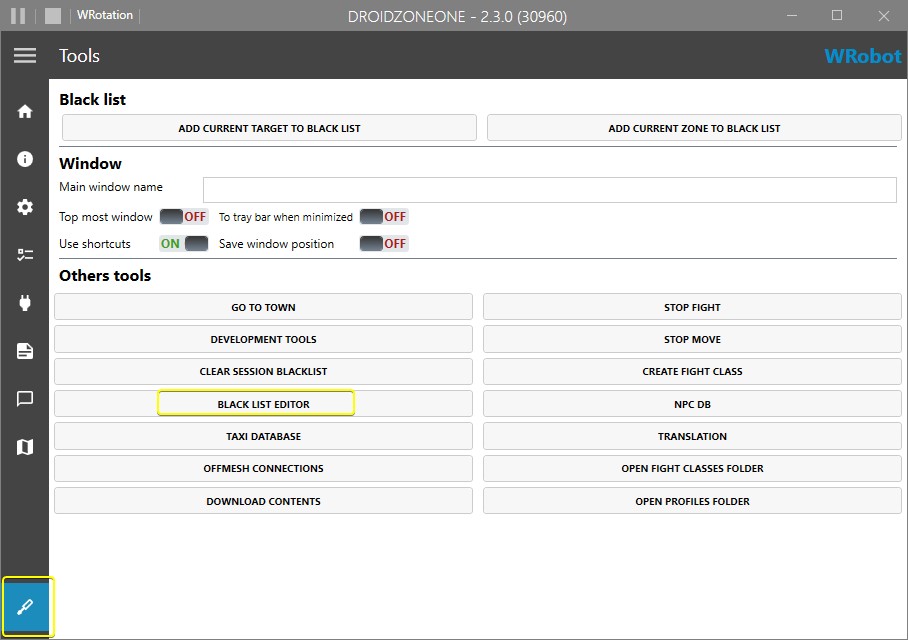
Can you share full log file?Hello, try to reinstall WRobot in new folderHello, tab tools check if you have vendor in you npc db, if your problem is not resolved share your log file pleaseHello, try to increment option max unit nearhello, tab "tools" you have blacklist editor, you can blacklist mob and zoneHello, can you read this: https://wrobot.eu/forums/topic/1381-repairinstall-wrobot/#comment-966 install required softwaresHello, redownload and reinstall WRobot in new folderDisalbe your wow addons, and redownload and reinstall WRobot in new folder, I think this will resovle your problemHello, you have a lot of way, but https://wrobot.eu/forums/topic/9418-the-proxy-and-you/Hello, seem caused by TraceLine, profile use this? you get this problem when you are in combat? you know if it is only you or several users get same problem?Hello, In next update lock object will be public (wManager.Wow.ObjectManager.ObjectManager.Locker) But it is hard to tell if it is the problem, you lock wow frame when you run this code (wManager.Wow.Memory.WowMemory.LockFrame();)? (500ms seem a lot to refresh objectmanager), you can try to use program like JetBrains dotTrace to check. And I think the best for you is to request object list one time like: