




meepzlol
Members
-
Joined
-
Last visited
-
Yeah just fiqured that out //closed will upload soon
-
I was wondering if someone could make a profle for this spot: https://www.youtube.com/watch?v=xp5WK2DzBeM Ive been trying for the past 2 hours but for some reason the bot just goes right past the mobs, ive added them to the list ect.
-
-
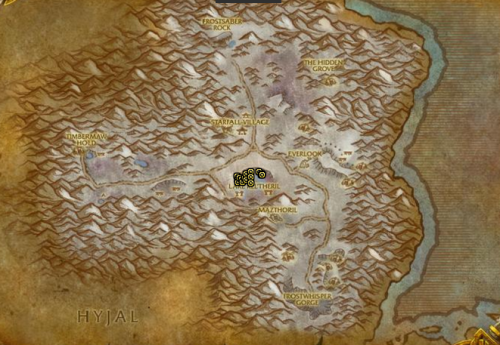 This bot Kills all Anguished Highborne which drop Azure Whelpling in Winterspring. It also kills a few mobs in the area to avoid downtime but shouldn't affect the Anguished Highborne kill rate. INCLUDES MAILBOX for Alliance and Horde! This is my first profile and let me know what you think :). Flying to get to the spot seems to be glitched, idk how to get that to work. WoD 6.2.3 -meepzlol Also im on trial so if anyone wants to donate with a gift card im down :)
