Razzue
Members
-
Joined
-
Last visited
Everything posted by Razzue
-
Use stripe, automatically converts. 1usd is 0.80 euro (ish) right now
-
Would it be possible to see a feature like a button you could press, and it adds a hot-spot ( While using the Gatherer Profile Creation) instead of relying on the recording process that's already included? I find some areas i can get stuck on a rock spike, or a cliff that sticks out while gathering on the Broken shore, and going back and deleting every other hot-spot helped fixed that quite a bit. But i won't lie, im lazy and thats quite a chore on a multi loop profile :P Thank you !
-
is there a way to decrease the amount of hot-spots recorded by the profile creation tool? Asides of course from manually starting/stopping, or going back and just deleting.
-
new update pushed by Bnet app, can pause it and play on supported version still. just fyi
-
Just try to launch the bot, it will give you an option to run a 32 bit window. TY, You rock Droidz ^.^
-
Hopefully he gets on soon ish xD downtime hurts us trial key users :s
-
Seems to not be a "required update" I paused the update on bnet launcher and just launched through the folder ( still on 25928)
-
i feel as rule one( and the opening statement..) isn't entirely... "accurate".. Last July/August i had 2 farm bots running 24/7 , while multiboxing a 5 man team on the same PC, same wow installation path, even traded with the one, team fine when bots got tanked. October i used honor(ban)buddy while multiboxing ( healer).. and only the healer got tanked on a banwave, all 4 others were safe and usable. and they're all in ONE folder cause i dont got enough diskspace for 8+ seperate wow folders.. Late november before banbuddy closed down, they only managed to snag 3/4 bots, but once again my boxing team ( with a new healer! yay xD ) was left untouched.. just MY experience..
-
http://www.wowhead.com/item=92738/safari-hat Safari Hat! an extra 10% xp
-
best way is with the hat, and on pet battle bonus weeks .. its an easy few lvl 110s
-
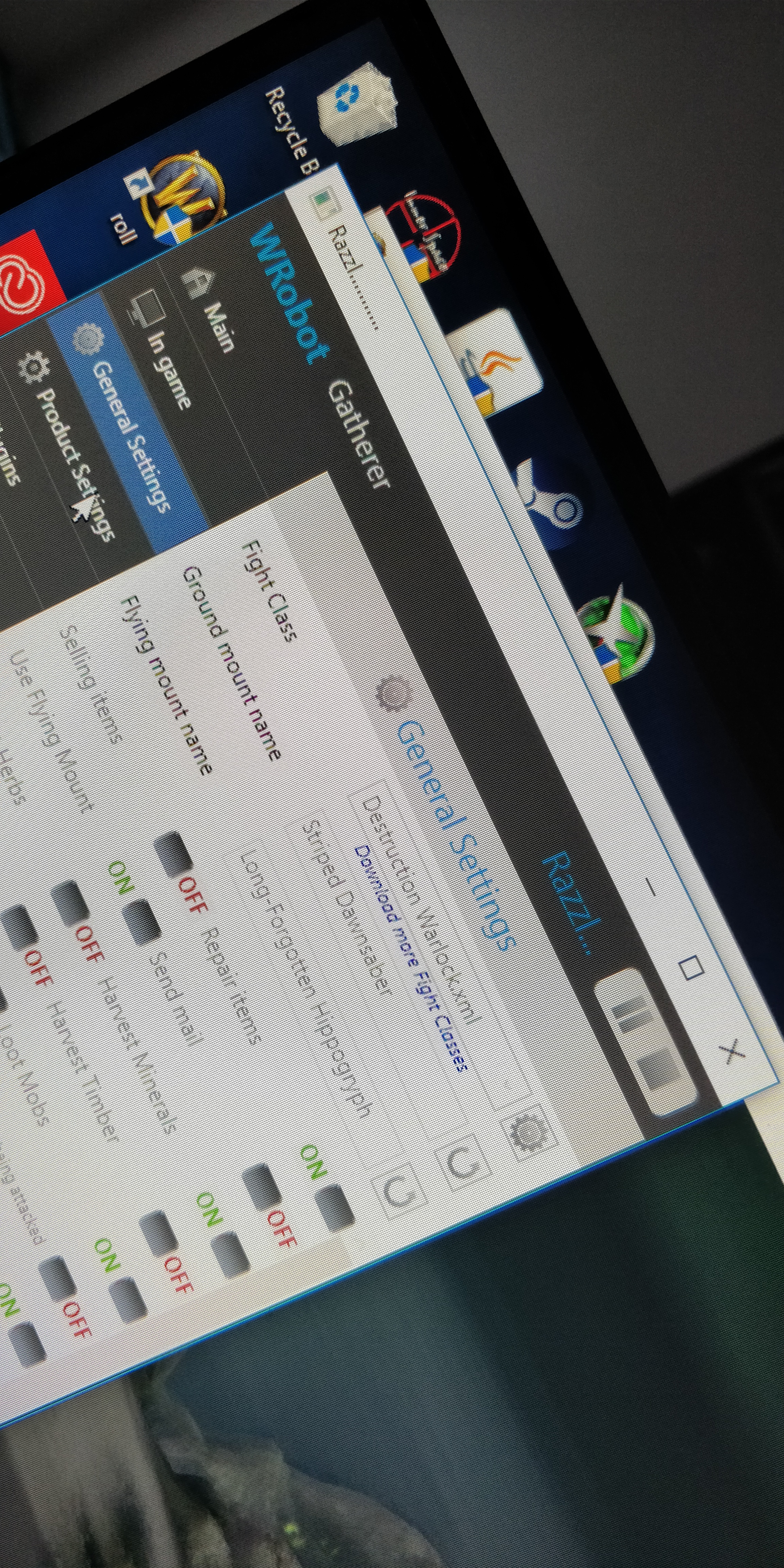
You actually selected the fight class in "general settings"?
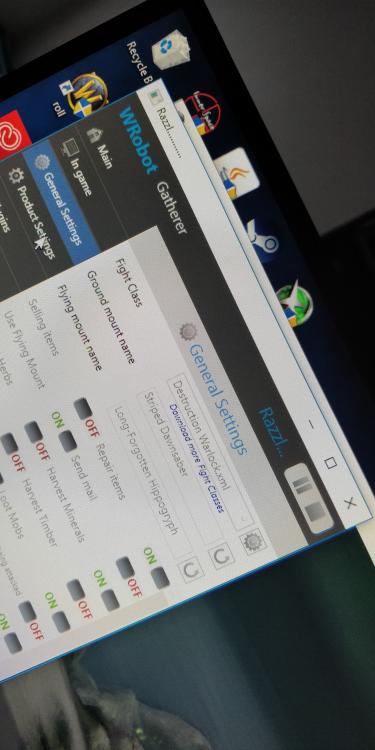
-
man, as a trial user that was 6 hours of downtime.l. pretty hefty on a 3day key :/
-
Im having this same issue on the Broken Shores ... Completely skips some nodes which offer big amounts of ore..
-
on another note, i pulled a stupid and put it in "borderless windowed" instead of windowed.. works as intended, just made a custom gather profile and cant wait to test this out!
-
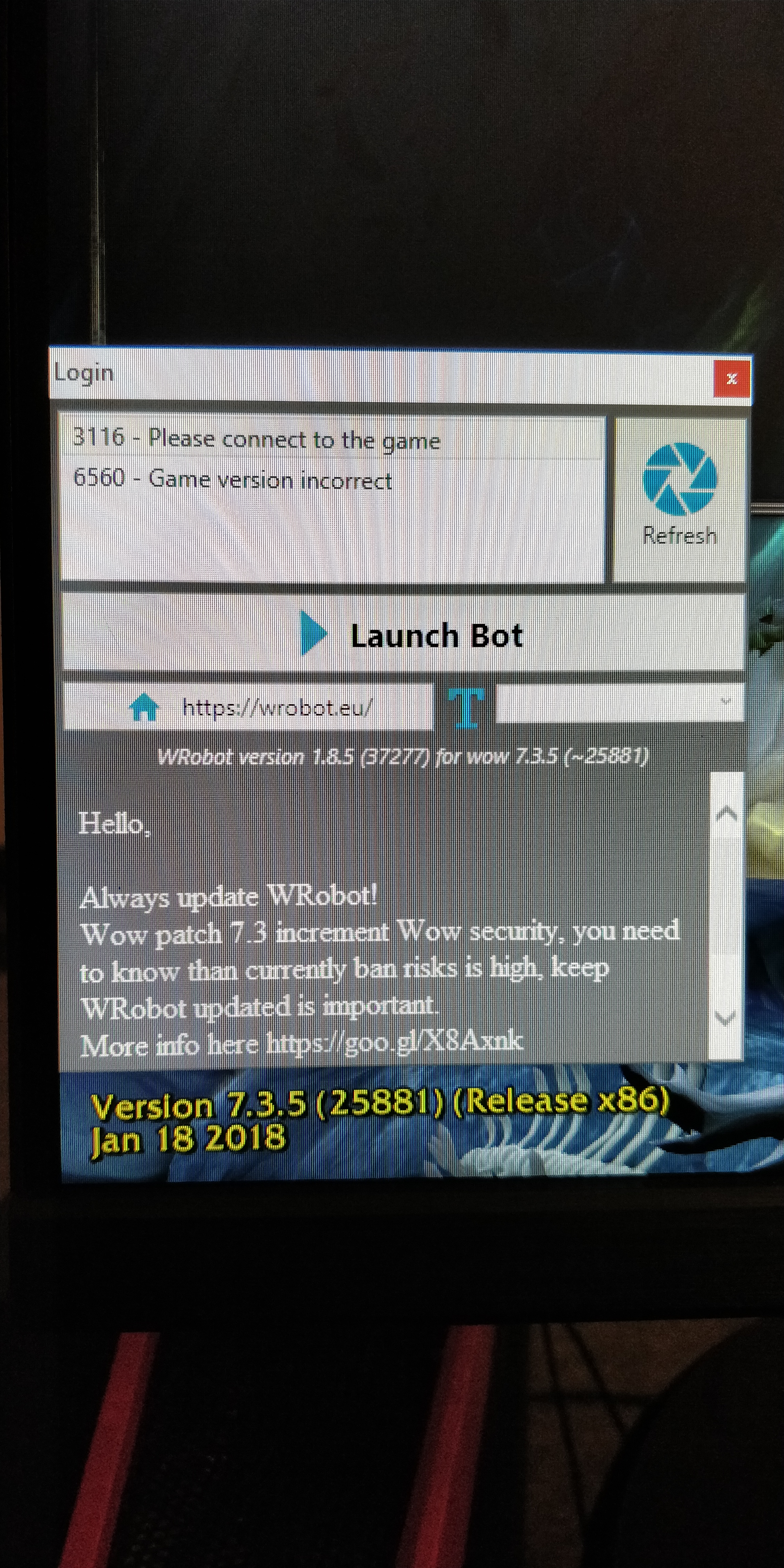
Hello there! so i JUST bout a 3 day key, and was super stoked to give Wrobot a go! However, as soon as i launched a 32 bit wow from wrobot, login and get ready to go, then a "STOP Game version doesnt match" window pops up on my screen! but it seems like it got updated on friday... no? whats going on? Hope this gets sorted out soon, i need my "botting fix" since i lost HB :( lol *Edit* added photo confirming that Wrobot is on version 1.8.5(37277) for WoW 7.3.5 (25881)
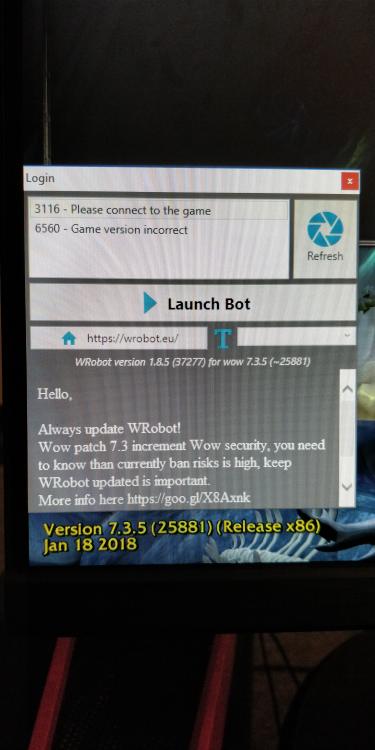
-
 just bought a 3 day trial, gonna abuse the heck out of gatherer, and leave it for a week! if my account survives i'll be coming back :D, the "ban section" looks rather promising. hopefully it works as well as led to believe!
- 120 comments
- 6 reviews