Meelko
Members
-
Joined
-
Last visited
Everything posted by Meelko
-
4 accounts banned
-
Netherwing detect wrobot?
-
Is the problem solved?
-
there are reasons why bans?
-
the last account was banned when I managed the character
-
3 accounts banned ND alliance 36-40 lvl, use grinder bambo
-
Done
-
25 фев 2019 20H21.log.html
-
not changed
-
-
is it because of this value? TryToAvoidEnemyGroupsRatio = 1,00000011920929
-
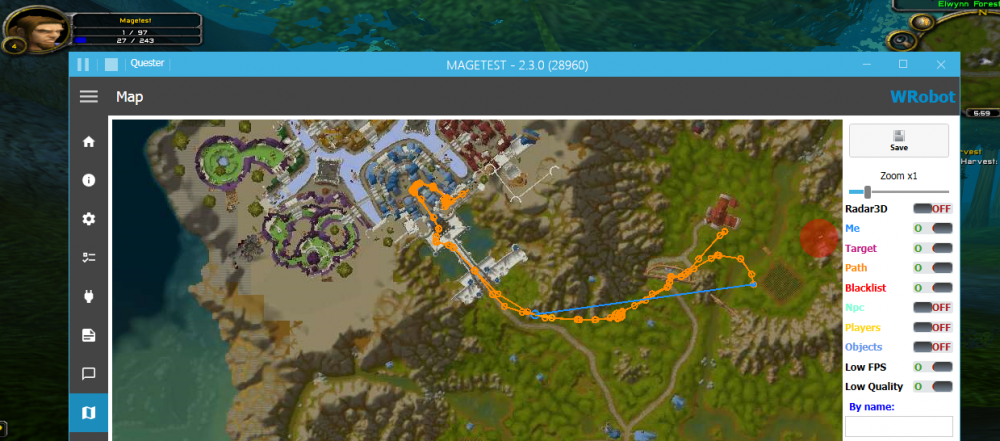
Character changed the way through flight master (stormwind) even when dead. sorry for my bad english 27 янв 2019 17H25.log.html
-
Гринд профили можно вроде как, квестовые нет
-
Thank you Bambo! Got a Druid 32lvl
-
sometimes the same problem
-
Have the same problem
-
Wrobot not work after update error [E] 15:34:39.003 - Engine > RunState(State state) > State: Security/Stop game - System.MissingMethodException: Метод не найден: "Void wManager.wManagerSetting.ClearBlacklistOfCurrentProductSession()". в RegenStop.AntiRegenEventHandler(Engine engine, State state, CancelEventArgs cancelable) в robotManager.Events.FiniteStateMachineEvents.FSMEngineStateCancelableHandler.Invoke(Engine engine, State state, CancelEventArgs cancelable) в robotManager.Events.FiniteStateMachineEvents.(Engine , State ) в robotManager.FiniteStateMachine.Engine.(State ) [E] 15:34:39.043 - Engine > RunState(State state) > State: Spell Conjure Water - System.MissingMethodException: Метод не найден: "Void wManager.wManagerSetting.ClearBlacklistOfCurrentProductSession()". в RegenStop.AntiRegenEventHandler(Engine engine, State state, CancelEventArgs cancelable) в robotManager.Events.FiniteStateMachineEvents.FSMEngineStateCancelableHandler.Invoke(Engine engine, State state, CancelEventArgs cancelable) в robotManager.Events.FiniteStateMachineEvents.(Engine , State ) в robotManager.FiniteStateMachine.Engine.(State ) [E] 15:34:39.043 - Engine > RunState(State state) > State: Spell Conjure Food - System.MissingMethodException: Метод не найден: "Void wManager.wManagerSetting.ClearBlacklistOfCurrentProductSession()". в RegenStop.AntiRegenEventHandler(Engine engine, State state, CancelEventArgs cancelable) в robotManager.Events.FiniteStateMachineEvents.FSMEngineStateCancelableHandler.Invoke(Engine engine, State state, CancelEventArgs cancelable) в robotManager.Events.FiniteStateMachineEvents.(Engine , State ) в robotManager.FiniteStateMachine.Engine.(State ) [E] 15:34:39.043 - Engine > RunState(State state) > State: Spell Arcane Intellect - System.MissingMethodException: Метод не найден: "Void wManager.wManagerSetting.ClearBlacklistOfCurrentProductSession()". в RegenStop.AntiRegenEventHandler(Engine engine, State state, CancelEventArgs cancelable) в robotManager.Events.FiniteStateMachineEvents.FSMEngineStateCancelableHandler.Invoke(Engine engine, State state, CancelEventArgs cancelable) в robotManager.Events.FiniteStateMachineEvents.(Engine , State )