Skip to content
View in the app

A better way to browse. Learn more.

WRobot

A full-screen app on your home screen with push notifications, badges and more.

To install this app on iOS and iPadOS
  1. Tap the Share icon in Safari
  2. Scroll the menu and tap Add to Home Screen.
  3. Tap Add in the top-right corner.
To install this app on Android
  1. Tap the 3-dot menu (⋮) in the top-right corner of the browser.
  2. Tap Add to Home screen or Install app.
  3. Confirm by tapping Install.

Meelko

Members
  • Joined

  • Last visited

  1.    Meelko reacted to a post in a topic: Mass ban
  2. Netherwing detect wrobot?
  3. Is the problem solved?
  4. there are reasons why bans?
  5. the last account was banned when I managed the character
  6. 3 accounts banned ND alliance 36-40 lvl, use grinder bambo
  7.    TheSmokie reacted to a post in a topic: wRobot Survey + Profile Giveaway!
  8.    Bambo reacted to a post in a topic: wRobot Survey + Profile Giveaway!
  9. 25 фев 2019 20H21.log.html
  10.    Meelko reacted to a post in a topic: Careful with Botting on Netherwing!
  11. какой приобрел?
  12. is it because of this value? TryToAvoidEnemyGroupsRatio = 1,00000011920929
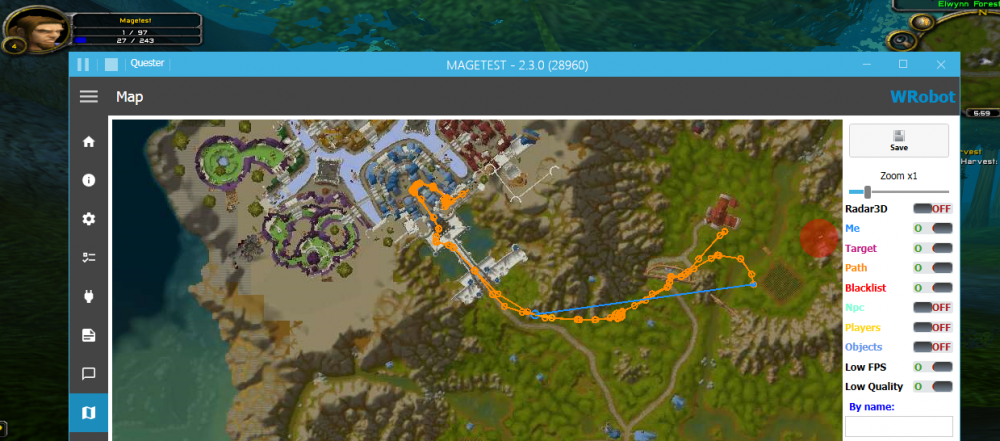
  13. Character changed the way through flight master (stormwind) even when dead. sorry for my bad english 27 янв 2019 17H25.log.html
  14. Гринд профили можно вроде как, квестовые нет
  15.    Bambo reacted to a post in a topic: Free Netherwing Accounts
  16.    Meelko reacted to a post in a topic: Free Netherwing Accounts
  17.    Meelko reacted to a post in a topic: Grinder bot keeps doing idiotic pulls

Account

Navigation

Search

Search

Configure browser push notifications

Chrome (Android)
  1. Tap the lock icon next to the address bar.
  2. Tap Permissions → Notifications.
  3. Adjust your preference.
Chrome (Desktop)
  1. Click the padlock icon in the address bar.
  2. Select Site settings.
  3. Find Notifications and adjust your preference.