deelag
Members
-
Joined
-
Last visited
-
Hi @headcrab, I have this problem too - I use Droidz "ClearBlacklist" plugin to clear blacklist every 2 seconds. The bot will still mount every time it kills a mob. My setup: ( Im trying to farm the same mob over and over without moving around - for a quest) In a quest profile i have this setup: - 1 hotspot location ( i want the bot to stand still and aggro the same mob over and over, it has fast respawn timer) - 1 target entry - Blacklisted every other mob nearby (of same target entry ID) - Blacklisted other types of targets - General settings: Search radius of Unit to attack: 30 Max number of hostile units near the unit to attack: 0 I would really like to be able to disable mount when grinding/questing - can anyone help me with this setup
-
Hi @maukor, Did you figure this out? If yes, can you help me achieve the same thing ? Im pretty new to wrobot and still need to learn alot. Add me on discord if you have time ?Mik#9251
-
Hi @Droidz, How can I blacklist areas/mobs in the quester profile then? I'm trying to force my bot to attack the same mob over and over again, it has like 10 second respawn timer.
-
Hi @Matenia, Is it possible to disable (conjure food/water) and instead use food from backpack? (Graccu's Mince Meat Fruitcake) for example.
- 67 comments
- 7 reviews
-
-
Aah thanks! :) @Ordush ? Works like a charm.
-
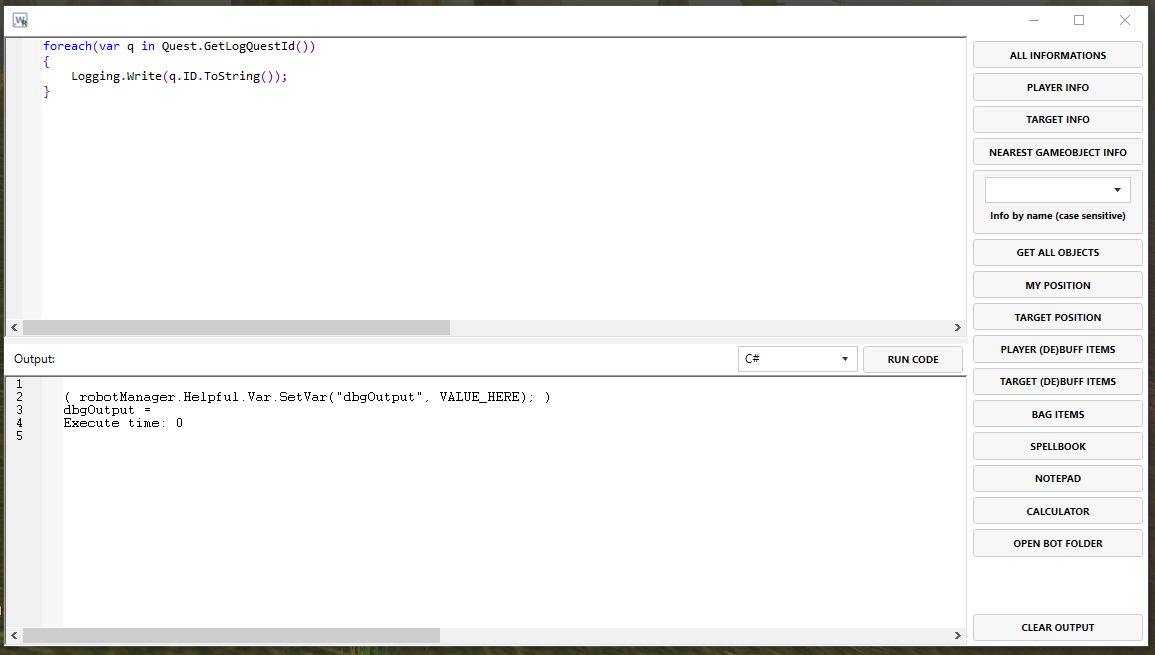
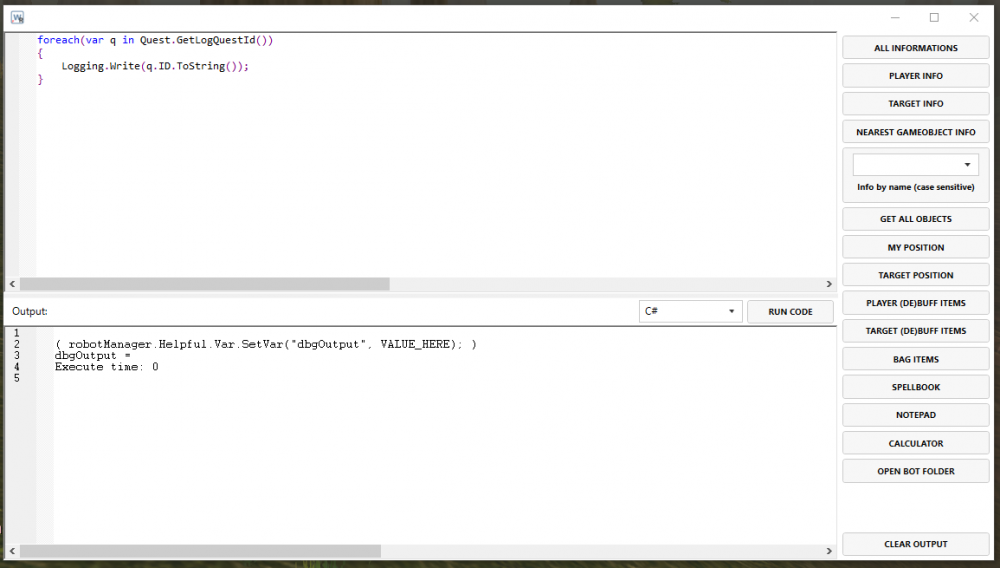
Hi @Marsbar & @Smokie, I just tried the above and got following results in the output section: Im on a 1.12.1 vanilla private server - can you help me figure this out, am i missing something here?
-
How do I install this plugin? The plugin is not available in Wrobot after I unzipped the .rar in the plugins folder.