




Skip to content
View in the app

A better way to browse. Learn more.

WRobot

A full-screen app on your home screen with push notifications, badges and more.

To install this app on iOS and iPadOS
  1. Tap the Share icon in Safari
  2. Scroll the menu and tap Add to Home Screen.
  3. Tap Add in the top-right corner.
To install this app on Android
  1. Tap the 3-dot menu (⋮) in the top-right corner of the browser.
  2. Tap Add to Home screen or Install app.
  3. Confirm by tapping Install.

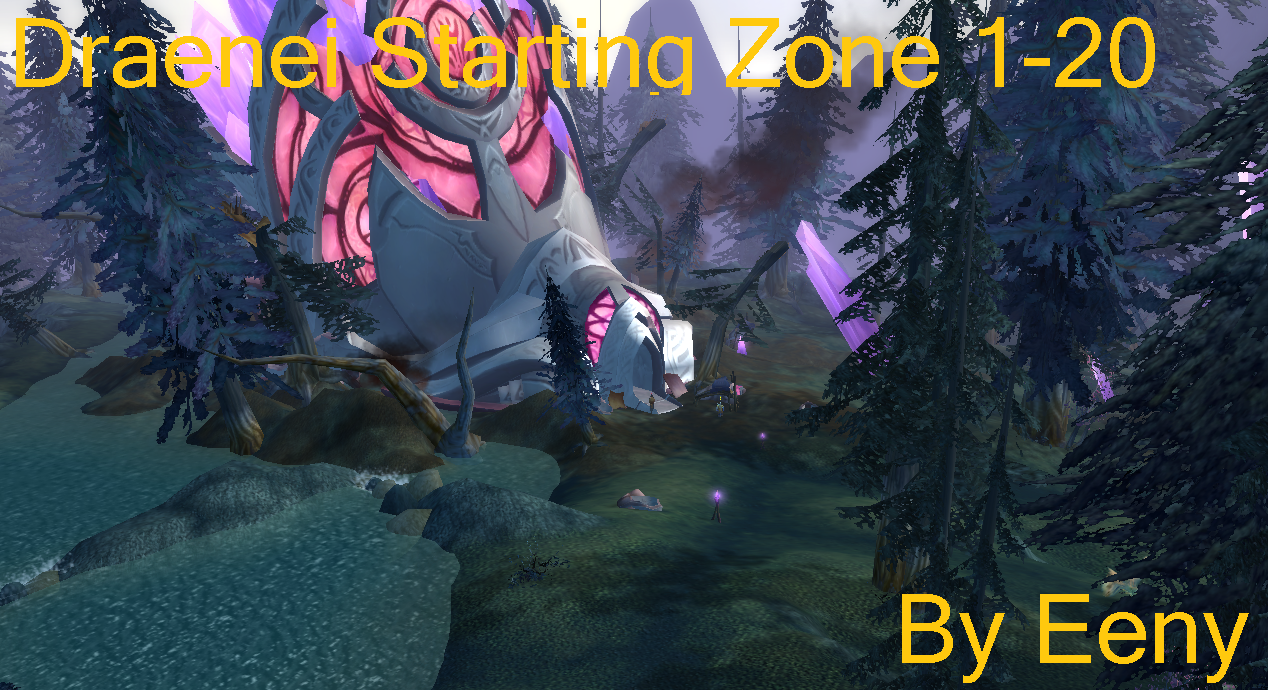
[A] [Quester] Draenei Start 1-20 1.1.0

(5 reviews)

1 Screenshot

Released 4th may 2017- STILL IN BETA / TESTING

Free profile for 1-20+ Draenei start zones.  this profile is 100% quest

Requires the Quickquest addon and auto-gear addon to be full afk.

I tested with non heirloom'd bots and hit 20 each one.

Let me know if you see any stuck's.  Im looking to make a 1-20 for most classes / starting zones.


What's New in Version 1.1.0

Released

Added some custom paths to reduce stucks

Changed quest order which was causing some level logic issues

Still a few quests to add in.

User Feedback

You may only provide a review once you have downloaded the file.


wrong profile

   0 of 1 member found this review helpful 0 / 1 member

im playing on warmane.com private server, and this profile doesnt work for me, in fact the only profile that worked was this 1-6 profile... if anyone can help me out with a draenei start zone profile, or some insight on how to level a draenei shaman on a private server i would really appreciate it. 


thanks

   2 of 2 members found this review helpful 2 / 2 members

Tried it on a trail account. Got me to 20 with a few quests left over. Only got stuck a few times.

   2 of 2 members found this review helpful 2 / 2 members

Perfect, good job
keep it up
!

   2 of 2 members found this review helpful 2 / 2 members

work very well, with heirloom got 21 lvl. few stucks, but its wrobot fault

jRSbLq8.png

Account

Navigation

Search

Search

Configure browser push notifications

Chrome (Android)
  1. Tap the lock icon next to the address bar.
  2. Tap Permissions → Notifications.
  3. Adjust your preference.
Chrome (Desktop)
  1. Click the padlock icon in the address bar.
  2. Select Site settings.
  3. Find Notifications and adjust your preference.
