Droidz
Administrators
-
Joined
-
Last visited
Everything posted by Droidz
-
I don't think repair profile converter for wotlk profile
-
Yes you can use "Not spell, is item id", "Combat only" > put false, and use "Timer" option.
-
Hello, following this news: I just remove the trial version of WRobot (so the products WRotation and Party are no longer free) (the trial version of WRobot for private server is still active and will remain). I have added WRobot subscription "2.99 € per 5 days" (to replace trial version). The monthly price is now at 6.99€ (instead of 5.99€), and lifetime price at 23.99€ (instead of 19.99€) (for normal WRobot subscription). This made a lot of changes, but my goal (it is better for me and for you) is in the future that WRobot become a semi-private bot. View full article
-
Hello, following this news: I just remove the trial version of WRobot (so the products WRotation and Party are no longer free) (the trial version of WRobot for private server is still active and will remain). I have added WRobot subscription "2.99 € per 5 days" (to replace trial version). The monthly price is now at 6.99€ (instead of 5.99€), and lifetime price at 23.99€ (instead of 19.99€) (for normal WRobot subscription). This made a lot of changes, but my goal (it is better for me and for you) is in the future that WRobot become a semi-private bot.
-
For using demo version enter license key TRIAL (The trial version of the bot stops working after 15 minutes, and you must reload it after that).
-
For using demo version enter license key TRIAL (The trial version of the bot stops working after 15 minutes, and you must reload it after that).
-
For using demo version enter license key TRIAL (The trial version of the bot stops working after 15 minutes, and you must reload it after that).
-
Hello, I comeback here if I add support.
-
Use timer: http://wrobot.eu/forums/topic/2351-use-potionbuffitem-periodically/?do=findComment&comment=10990
-
Can you try this Victory Rush TEST.xml
-
Do you have this buff http://www.wowhead.com/spell=80263/potion-of-treasure-finding with http://www.wowhead.com/item=58488/potion-of-treasure-finding ?
-
Hello, try to disable your antivirus. If you can share me your log file please: log file
-
Hello, thank you, if you can wait next update for the fix.
-
Hello you can found your new license key here: http://wrobot.eu/clients/purchases/
-
It is grinder profile (edit this with grinder profile editor). You can add action at the last position (before exit instance), for 1 minute put this: c#: System.Threading.Thread.Sleep(1000 * 60); (more info about action... http://wrobot.eu/forums/topic/2202-profile-positions-and-action-column/ )
-
I have tested with normal wrobot account this works: 2016-02-29_16-12-03.mp4
-
http://wrobot.eu/forums/topic/2775-potion-of-treasure-finding/#comment-12707
-
Hello, I have modified http://wrobot.eu/files/file/517-potion-of-luck/ , try this: Potion of Treasure Finding.cs
-
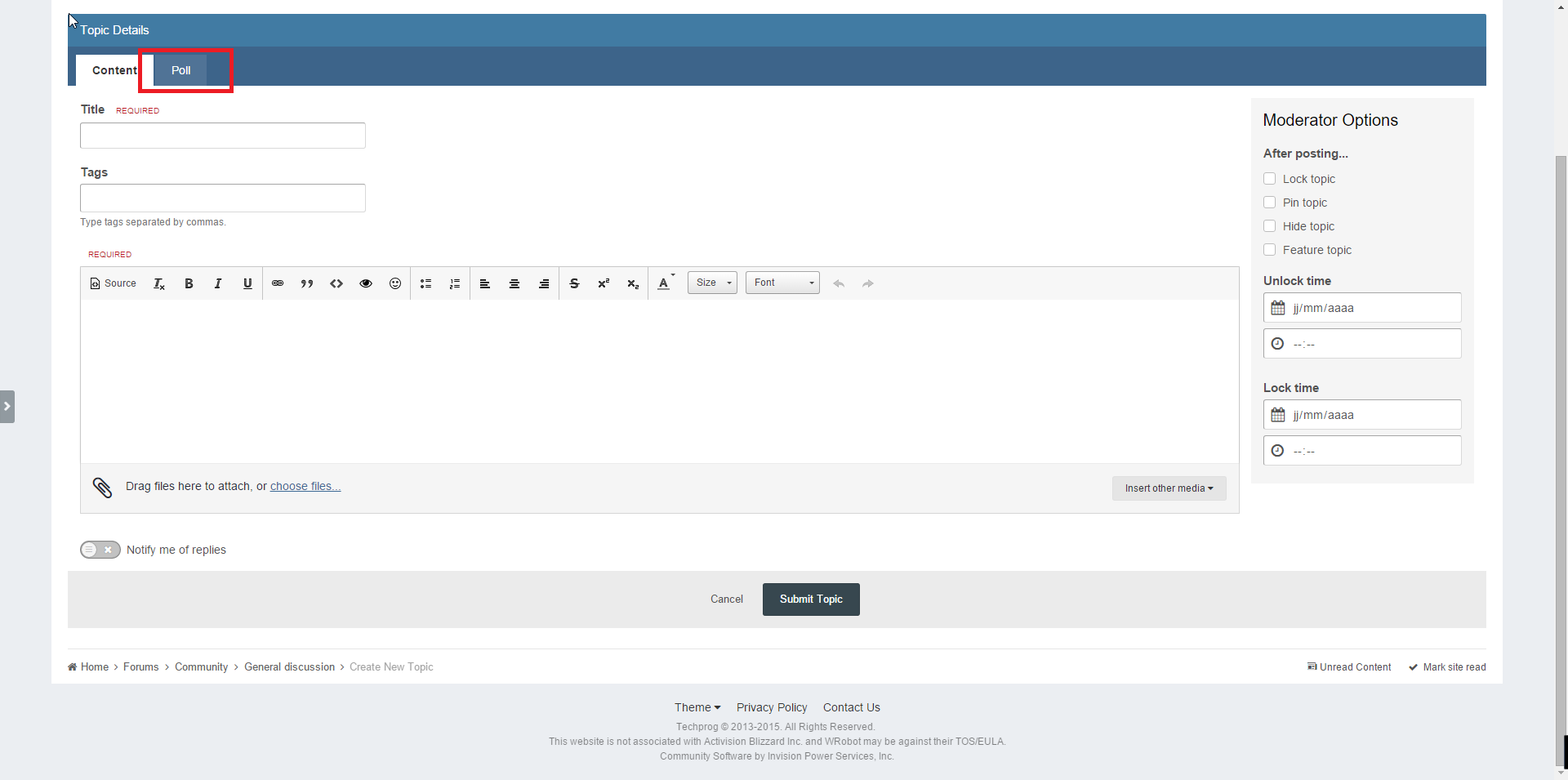
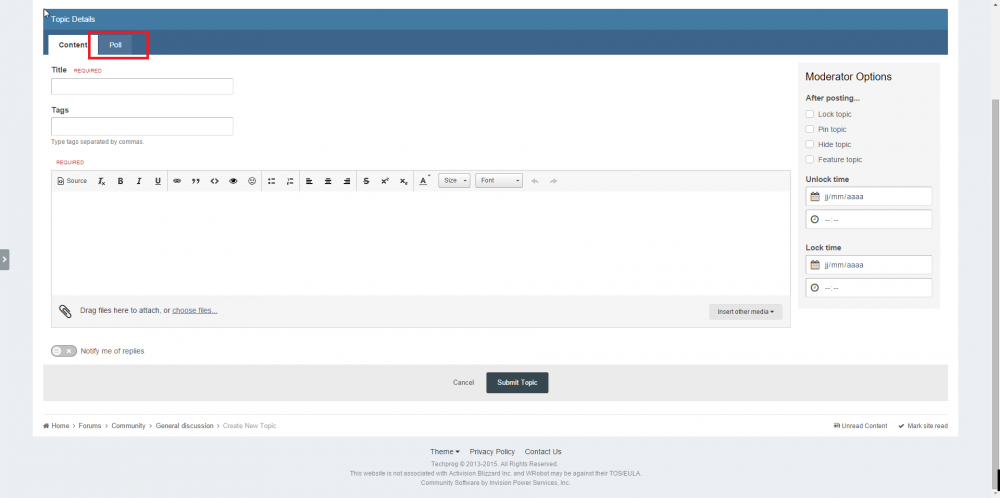
Hello, you haven't this tab when you post new thread?
-
Hello, You don't need to renew your key after computer change. You can use your license key on several computer/ip without problem (but you cannot use several time the same key at the same time, this is the only limit).
-
One for horde, one for alliance
-
Hello, Select product "Quester" > "Product Settings" > "Easy profiles creator" > "Tools" > "Helper Tools" > click on button "Zygor to Easy Quests Profile..." (you need to fix manually profile, he miss a lot of informations)
-
Hello, 1: With default general settings, you need to go near flight master and it is automaticly added to user database. After it, wrobot will use flight master if required (depending of the user configuration). To force, you can look this: http://wrobot.eu/forums/topic/2681-snippets-codes-for-quest-profiles/?do=findComment&comment=12205 2: I'll add this
-
Hello, you can use quester profile for it (use quest type "Use Item On").
-
This assault? : http://wrobot.eu/files/file/532-apexis-daily-quests/