




anjing
Members
-
Joined
-
Last visited
-
I was in a dungeon with 4 of my bott account, it killed all 4 account till aug too ahhaha... but thank god my main is still good. im going to buy another 89$ worth of blizz and try it again today. wish me luck...
-
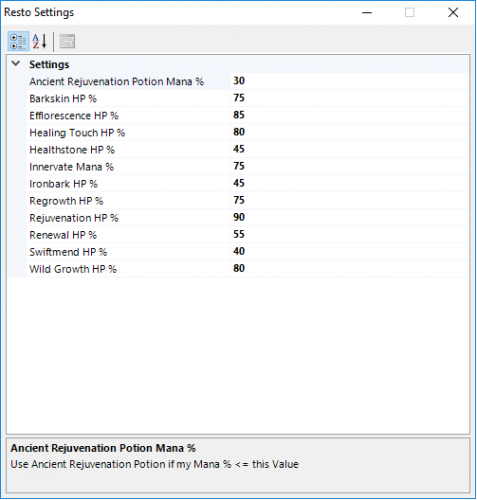 and what is the different between .cs files and .xml? because i cant change the fight on this one. and can someone please show me how to edit a .cs file?
- 31 comments
- 1 review
-
-
 Oh my god bro!!! let me know I'll be the first to buy!
 -
-
I would love to buy this when its made perfect! I'm getting stuck at level 10 at the seller. trying to buy the firework. anyone else knows a great 1-60 or 1-100 profile? this was one of the best I've ever seen so far.
