Cougar700
Members
-
Joined
-
Last visited
Everything posted by Cougar700
-
 yes, why not ?
 -
if i using this for fishing npc spawns after lure use in Legion, bot only attack after 2-4 fished and dont loot dead npc in fisherbot mode how to fix `?
-
A quest Profile for high x10 Q rates server. Optimized for WoW Freakz. quest in 2 areas : Jade Forest and Valley of the Four Winds Start Profile in Jade Forest, be sure ur Qlog ist empty . more than 50q hf
-
-
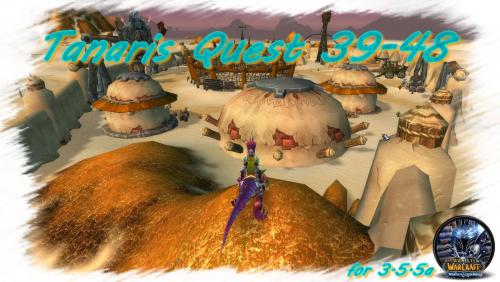 I did not find a only quest profile for Tanaris 3.5.5a here so I just created one more than 15 quest or almost all I have seen in tanaris wotlk 3.3.5a optimized for horde at 4x exp