Skip to content
View in the app

A better way to browse. Learn more.

WRobot

A full-screen app on your home screen with push notifications, badges and more.

To install this app on iOS and iPadOS
  1. Tap the Share icon in Safari
  2. Scroll the menu and tap Add to Home Screen.
  3. Tap Add in the top-right corner.
To install this app on Android
  1. Tap the 3-dot menu (⋮) in the top-right corner of the browser.
  2. Tap Add to Home screen or Install app.
  3. Confirm by tapping Install.

Ry900

Members
  • Joined

  • Last visited

  1.    Marsbar reacted to a comment on a file: wDiscordAlert
  2. Ry900 commented on Marsbar's file in Plugins - Vanilla
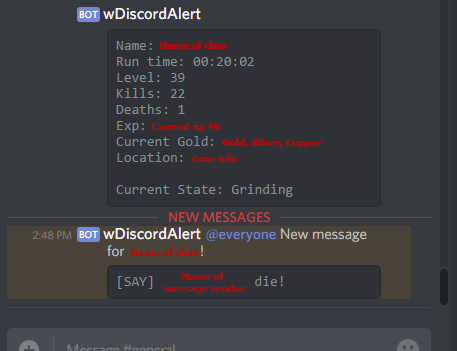
    This is literally an amazing plugin! Thank you
  3.    Ry900 reacted to a file: wDiscordAlert
  4.    Ry900 reacted to a post in a topic: Free Netherwing Accounts
  5.    Bambo reacted to a post in a topic: Free Netherwing Accounts
  6. @Bambo Thank's for this, I've just messaged and got myself a cheeky little paladin ? Very much appreciated !
  7.    Ry900 reacted to a post in a topic: Free Netherwing Accounts
  8.    eeny reacted to a comment on a file: [Class Quest] Vanilla Shaman totem
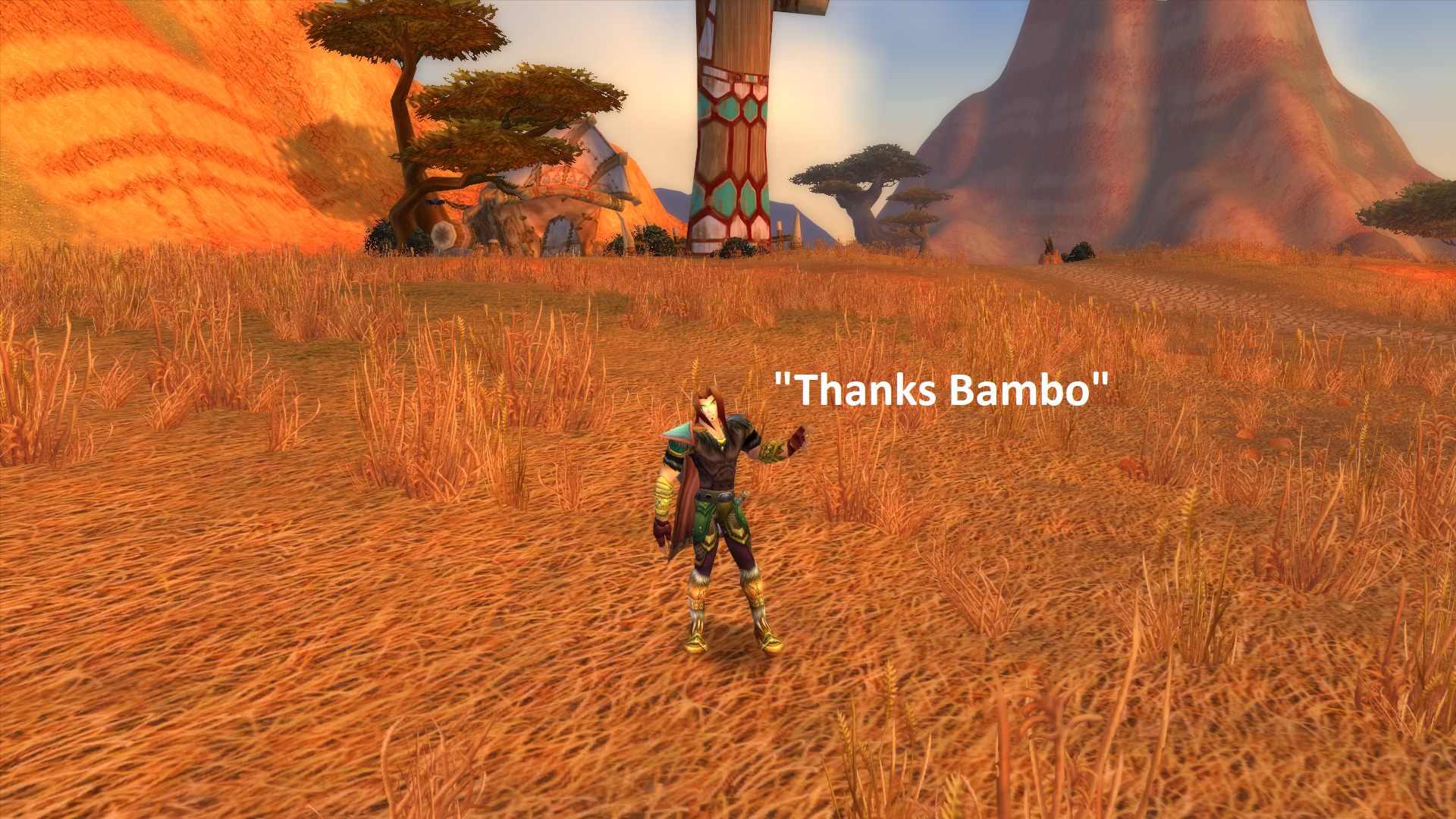
  9. So , I let the profile run and saw this xD - Thanks for setting these up ? Work fine so far

Account

Navigation

Search

Search

Configure browser push notifications

Chrome (Android)
  1. Tap the lock icon next to the address bar.
  2. Tap Permissions → Notifications.
  3. Adjust your preference.
Chrome (Desktop)
  1. Click the padlock icon in the address bar.
  2. Select Site settings.
  3. Find Notifications and adjust your preference.