hansungkim
Members
-
Joined
-
Last visited
Everything posted by hansungkim
-
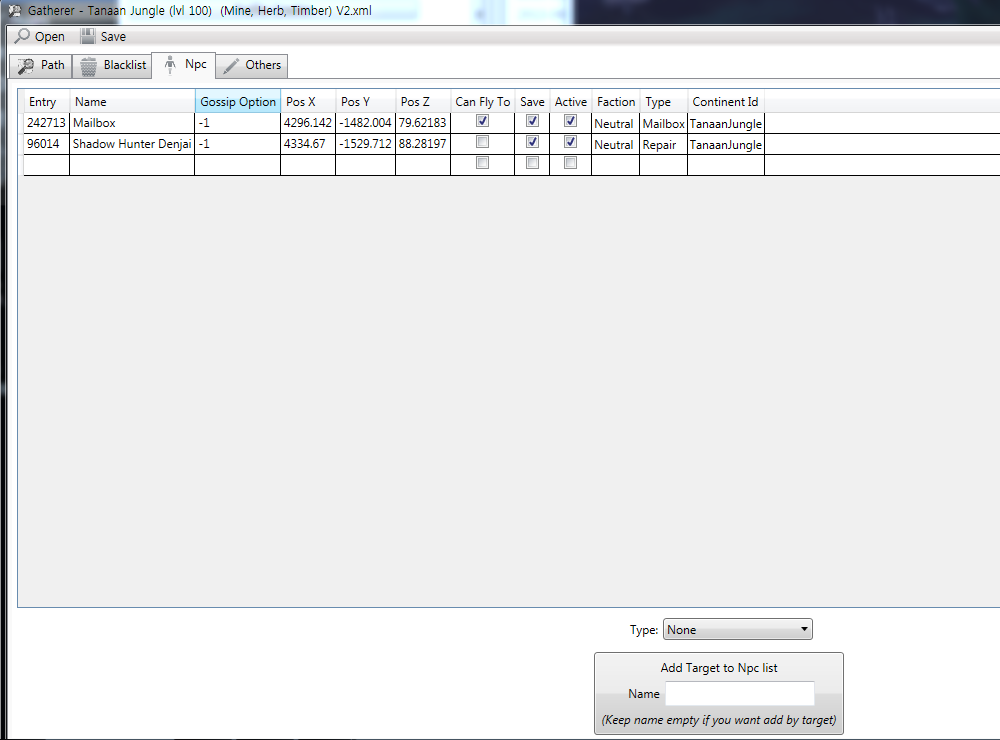
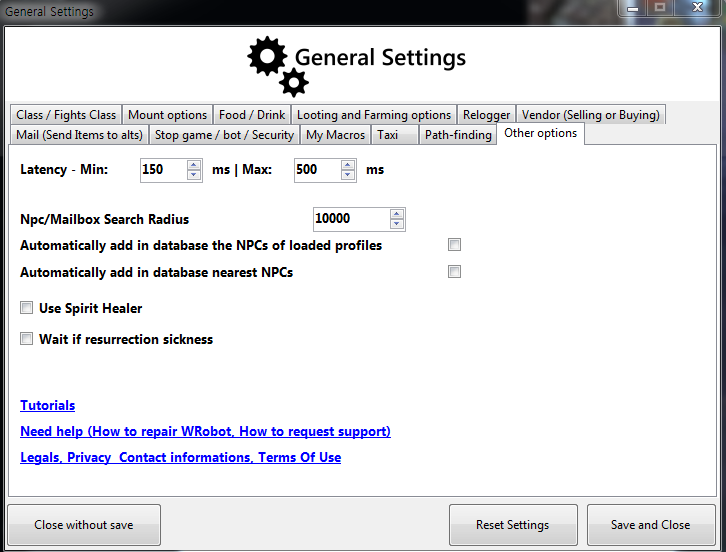
Previous mail used along with good repair. Move to the Alliance town in tanaanjungle. The attachment settings.
-
답변으로 노력했다. 그러나 얼라이언스 마을로 이동합니다. 사서함에 추가하고 파일을 복구하십시오. 큰 Gold.xml Tanaan 정글 (LVL 100) (광산, 허브, 목재) V2.xml
-
Tried as answers. But the Alliance moves to town. Please add me to your mailbox and repair the file.
-
Additional mailbox Horde inde Alliance moves to town. How Can I Use the Horde town mailbox? Tanaan Jungle (lvl 100) (Mine, Herb, Timber) V2.xml
-
The Horde The Alliance continues to move into the village. How do I fix it?
-
The Horde The Alliance continues to move into the village. How do I fix it?
-
thanks :lol:
-
hi 98-100 Meatgut Needs Bones Auto repeat quest.xml (reported broken) :( Revision request. 98-100 Meatgut Needs Bones Auto repeat quest.xml
-
reported broken Not Quests
-
Sharing profile :(
-
Ashran is how to use it is necessary Nagrand has to know how to use it.
-
Show me how to use -_- This usage is not attached.
-
How to use product - battlegrounder? Error.
-
-
Settle
-
mailbox and repair addendum Does not work. :( Attached File 98-100 Meatgut Needs Bones Auto repeat quest.xml
-
-
-
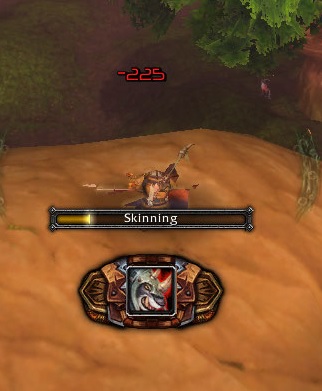
Frostwolf war wolf Is it possible to ride this ride when hunting?
-
-
How to use the Teach
-
How to use frostwolf war wolf ? Set to the vehicle Continue to hunt down the vehicle.
-
After repair After using the mailbox between Take a ride down and repeat Then shut down the ... The attached file. Ask me how or modified. Thanks :) mailbox Location / Wasteland of Terror / When Beth Clark 123.xml
-
After the update again Is working properly. Resolved Good :lol:
-
Is working properly. Resolved Good :D