Androstaxys
Members
-
Joined
-
Last visited
Everything posted by Androstaxys
-
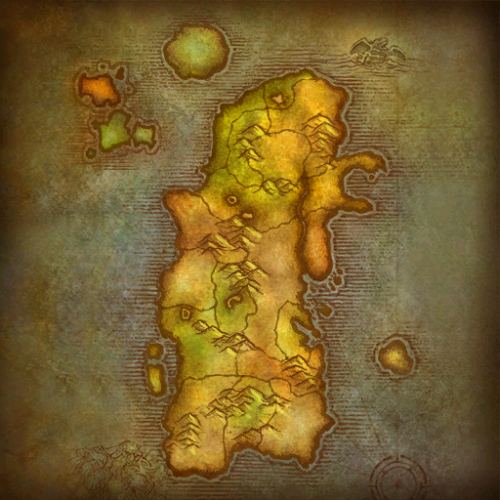 Astonishingly well done. Would absolutely love if you made eastern kingdoms as well. Anyone who likes to grind professions needs this profile compilation.
- 2 comments
- 5 reviews
-
4.95/5 stars! Nearly perfect. Made a few changes - specifically healing. If the target is at 3% HP and you drop to 50% it will stop killing and attempt to heal. Fixed that quickly :) Also no option to use Hammer of Justice on CD (vs. only when enemy is casting or not at all), so changed that too. Easily the best, free, out of the box paladin fight class available.
- 16 comments
- 7 reviews
-