News
124 articles in this category
-
Hello, WRobot support now World of Warcraft 6.0.3 (19102). You need only to accept WRobot update. More info about WRobot update: here More info about Wow 6.0.3: here ps: If you play on European server, don't update today WRobot, wait tomorrow, if you have update WRobot today you can download WRobot for wow 6.0.2 here.
- Teaser Paragraph:
-
Hello, WRobot is ready for live server (World of Warcraft 5.4.0 17359), you need only to accept update when you launch WRobot (accept update also if you use wrobot for ptr version). If you play on european server don't accept update today (09/10/2013), to downgrade to wrobot for wow 5.3 you need to download this. Good botting at all. PS: Now Wow force 64 bit mode (same if you have activated 32 bit option in wow launcher), for launch wow in 32 bit you need to go to world of warcraft
- Teaser Paragraph:
-
Hello, WRobot is now ready for World of Warcraft Warlords of Draenor pre-patch 6.0.2.19027. To update WRobot for this Wow version you need to launch WRobot and accept update. It is possible that your old profiles/Fightclasses does not works correctly with new version (a lot of change), check download sessions durring next days get updated profiles/fightclasses. If you play on European server, don't update tooday WRobot, wait tomorow, if you have update WRobot today you can download W
- Teaser Paragraph:
-
Hello everyone. I have changed the price of WRobot. I also added a lifetime licence key with unlimited session if the bot is running on the same network (same IP). WRobot one session: 4.50€ Monthly 15.00€ every 6 months 24.98€ lifetime WRobot unlimited session by ip : 49.99€ lifetime All persons who have purchased a lifetime licence before updating prices were automatically transferred to license key with unlimited session. All persons who purchased license key of one year are
- Teaser Paragraph:
-
Hello, WRobot supports now World of Warcraft 6.1.2 (build 19802). You need to accept update when you launch WRobot. If you play in europeen servers, wait tomorrow (to downgrade to WRobot for wow 6.1.0 download this file). What is new in Wow 6.1.2: Click here, What do you think about WoW Token? WRobot 1.4.1 ChangeLog: here
- Teaser Paragraph:
-
WRobot is now compatible with the new version of wow (5.2.0.16650). This update of WRobot represents the end of the betas version. For the people who updated the bot and who plays on European server (thus those which are still in version 5.1.0) download this file, it should be extracted in the WRobot folder, when you launching WRobot click on "No" when the program request of you to update. ps: post problems here:
- Teaser Paragraph:
-
Contest Starts tomorrow April 1st, end April 30th. More information in forums at
-
Teaser Paragraph:
Contest Starts tomorrow April 1st, end April 30th.
More information in forums at
-
Teaser Paragraph:
-
Hello, I have just released WRobot for Wow 6.2.3 PTR server. You can download it here: http://wrobot.eu/forums/topic/2471-download-wrobot-for-wow-wod-623-ptr-server/
-
WRobot support now Wow PTR server (wow version 5.4.7 (17898)). More info
- Teaser Paragraph:
-
Hello, WRobot support now Wow Legion pre-expansion patch (7.0.3.22248). To get more info about Wow Legion pre-patch: Go here To get more info about WRobot update: Go here You can reports bug here. If you play on european server, wait tomorrow to update WRobot (if you have updated WRobot, you can comeback to WRobot for WoD, for this launch "Updater.exe" (in your WRobot folder), in "Product" select "WRobot for ... Warlords of Draenor" and click on "Install o
-
Hello, WRobot support now Wow Legion pre-expansion patch (7.0.3.22396). If you play on european server, wait tomorrow to update WRobot (if you have updated WRobot, you can download old version of WRobot here).
-
Hello, I have released WRobot for WoW for 6.2.4.21336. If you play on european server, wait tomorrow to update WRobot (if you have updated WRobot, you can download old version of WRobot here). To get more informations about WRobot update click here. To get more informations about Wow
-
Hello, WRobot support now Wow Legion patch 7.1.0.22900. If you play on european server, wait tomorrow to update WRobot (if you have updated WRobot, you can download old version of WRobot here). More info about this wow version: Click here EDIT: Support build 22908
-
Hello, WRobot support now Wow 6.2.0 (20253). If your Wow server is not updated to build 20253, don't update WRobot (if you have update WRobot, you can download old version here).
- Teaser Paragraph:
-
Hello, WRobot is ready for World of Warcraft PTR server 6.1.0. You can download WRobot for Wow 6.1 here: Best regards.
- Teaser Paragraph:
-
Hello, You can donwload now WRobot for Wow Warlords of Draenor (PTR Server). I'll try to keep this WRobot beta update for PTR. This version it useful if you want update your Fightclass or start to works on profiles. Please report me bugs here. Important changes: If you use the lua code "GetSpellInfo" in your fightclass please read this post. (developer) In WoD, GUID is in 128bit (instead 64bit in MoP), you can need to edit your code if you use GUID in it. You can download WRobot
- Teaser Paragraph:
-
Hello, Yes, WRobot is already ready for 5.4.0 (ptr server). You can try World of Warcraft 5.4.0 with WRobot now, more info
- Teaser Paragraph:
-
Hello, Now, WRobot for private servers support also Wow versions 5.4.7.18019 (mop) and 6.2.3.20886/20779 (wod). Complete list of supported versions (tooday): Warlords of Draenor: 6.2.4.21742 and 6.2.3.20886/2077. Mists of Pandaria: 5.4.8.18414 and 5.4.7.18019 Cataclysm: 4.3.4.15595 Wrath of the Lich King: 3.3.5a.12340 The Burning Crusade: 2.4.3 8606
-
Hello, WRobot support now World of Warcraft Vanilla ( 1.12.1 build 5875 ) Download WRobot for Vanilla here. And download profiles and fight classes here. If you can problem, you can found forum of WRobot for Vanilla here. Kind regards
-
WRobot Contest for Free Botting time Hey everyone, head on over to our contest we are hosting! You can win free botting sessions!!! Salut tout le monde, la tête sur plus de notre concours, nous organisons! Vous pouvez gagner des séances gratuites Botting!
- Teaser Paragraph:
-
Hello, I'll just posted beta version of next WRobot version, you can download test version
- Teaser Paragraph:
-
Hello, I have just released WRobot beta for Wow Legion 7.0.3 PTR. More info here. Regards EDIT: 07/16/2016: WRobot beta support now last wow ptr version (wow 7.0.3.22248). Legion pre-patch is coming soon: http://www.wowhead.com/news=254192/the-legion-pre-expansion-patch-arrives-july-19
-
Two very important news items today. Due to popular demand we have added a 30minute session trial to the bot. Now anyone can test out all of the features of WRobot without limitation for a 30minute duration. Simply install the program from the given installer or extract the zip version and enter "trial" without "" into the key field. The Bot will start in Trial mode and run for a 30minute duration. You can repeat this as many times as you like, but we ask that you buy a full subscription to r
-
Teaser Paragraph:
Key notes:
Use the key of 'trial' without quotes for a free 30minute session
The bot was recompiled to support Windows XP and now runs off of .Net Framework v4 as opposed to 4.5.
Read the full story for more information.
-
Teaser Paragraph:
-
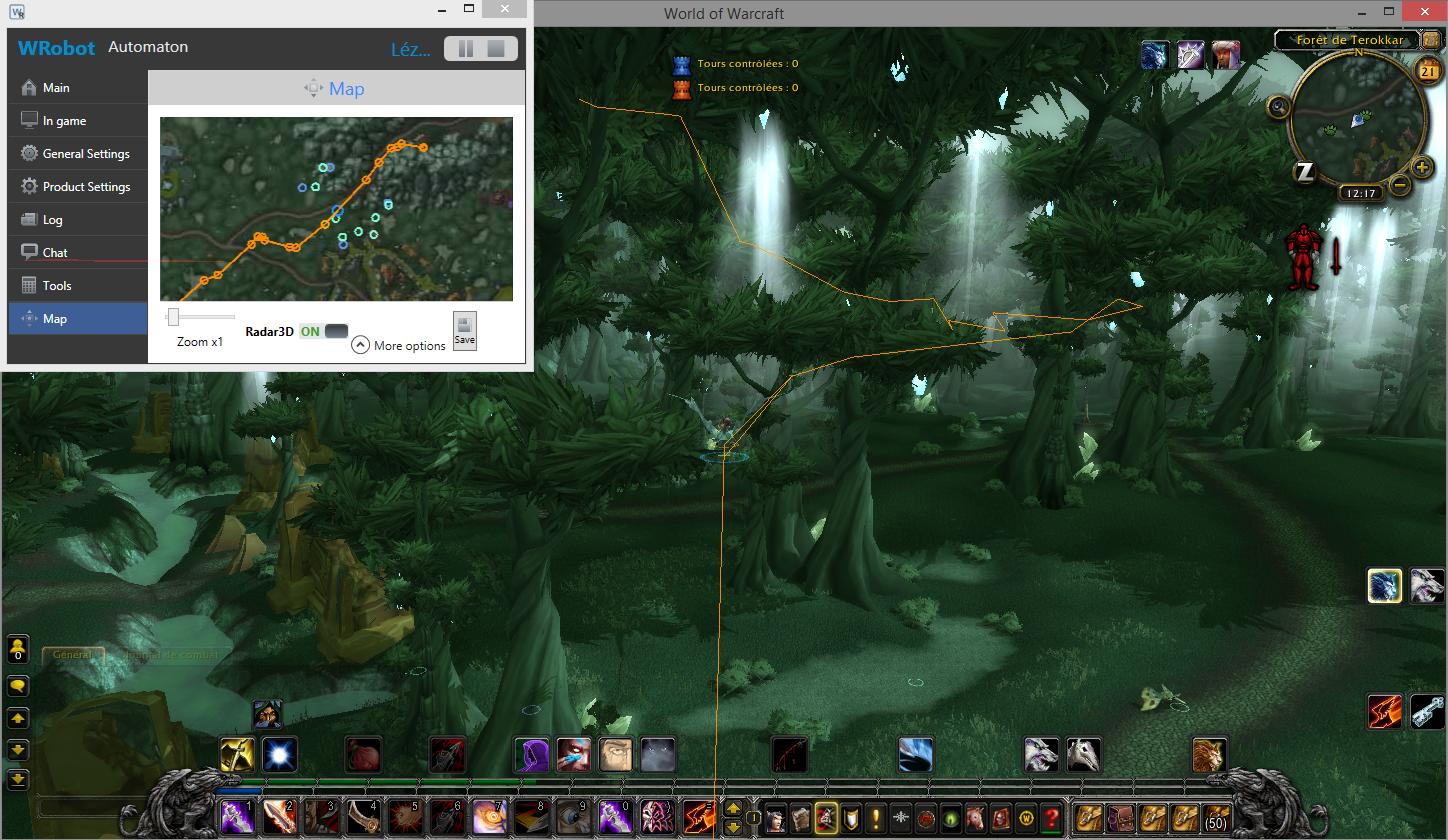
Hello, About beta: I have changed" memory read" library (I have written it in c++, more fast), to avoid problems I need a testers before release this update. If you can tell me if you get problems (or not) with this version (don't forget "log" file if you have problems). You can download beta version here: http://download.wrobot.eu/wrobot/wrobotbeta.zip Edit August 21: I have added 3D radar (tab "Map"), it is ingame radar, I need review: About schedule: I work currently
- Teaser Paragraph:
-
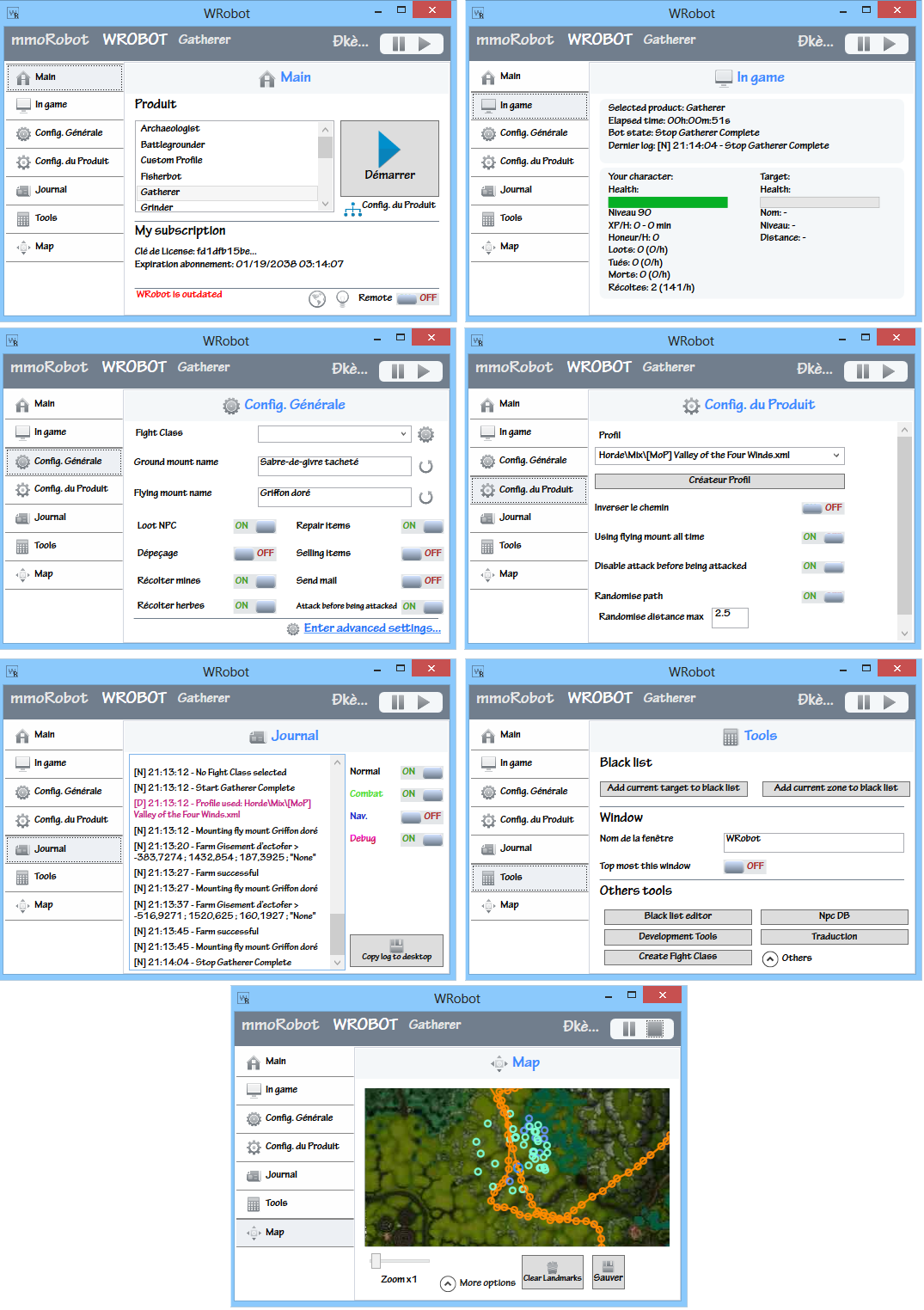
Hello, I just released WRobot 2.0. It is mainly UI update, but I have added some features like LuaBot language (to make your WRobot plugins/scripts with lua, you can launch the dev tool to see code sample), better vb.net support... (I'll write changelog in next days). If you get problem to launch it, check if you use recent Framework version (min 4.5), Windows XP support has ended. In the next week, I'll primarily work during next weeks/months to improve artificial intelligence/mo