Zerouser
Members
-
Joined
-
Last visited
-
-
-
Hey, great work man thank you! I implemented some features that I tested and it works, such as Sacrifice and shadowburn usage: public Spell Sacrifice = new Spell("Sacrifice"); public Spell Shadowburn = new Spell("Shadowburn"); if (ObjectManager.Pet.IsValid && ObjectManager.Me.IsAlive && ObjectManager.Pet.HealthPercent <=15) { Sacrifice.Launch(); Thread.Sleep(Usefuls.Latency); Usefuls.WaitIsCasting(); } if (ObjectManager.Pet.IsValid && ObjectManager.Me.IsAlive && ObjectManager.Me.HealthPercent <= 25) { Sacrifice.Launch(); Thread.Sleep(Usefuls.Latency); Usefuls.WaitIsCasting(); } if (Shadowburn.KnownSpell && ObjectManager.Target.GetDistance < 18 && ObjectManager.Target.HealthPercent <= 20 && ObjectManager.Me.ManaPercentage > 15 && Shadowburn.IsSpellUsable && ItemsManager.GetItemCountByNameLUA("Soul Shard") >= 1) { Shadowburn.Launch(); Thread.Sleep(Usefuls.Latency + 1200); }
- 90 comments
- 10 reviews
-
-

- 1
-
-
 damn, I was creating my own profile, it worked flawlessly, except that darnas teleporter thing, <QuestsSorted Action="RunCode" NameClass="wManager.Wow.Helpers.Move.Forward(Move.MoveAction.PressKey, 2000);" /> thanks a lot :)
 -
Hey, very nice FC been using it for weeks. Have suggestion & question about node farming: is it possible to drop form only for Mine nodes? and still be in form to catch herbs? Will be more less bottish look :P if (nodesNearMe.Count > 0 change to something like MineNodesNearMe ?
-
renamed relogger.exe to relogger1.exe and it worked, really wierd
-
Hi, I made a bot update today, and now relogger starts bot instead of himself, how do I fix that? (wrobot.exe instead of relogger.exe)
-
I got the same problem, and find out whats wrong: some of the addons that modify ur cast bar bugs it, so need to disable. Also, if still didnt help, I increased plus +2 seconds so make 2000:2000
-
fixed this now, thank Droidz!
-
-
-
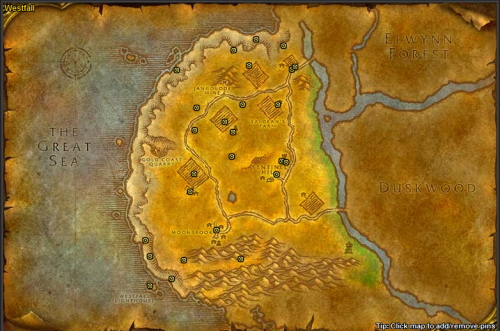 Fixed this problem dillondana BrotherhoodofThieves should be completed, before MillyOsworth can be picked up , also got a new problem pretty soon, bot doesnt pick up milly harvest objects, cause it doesnt have enough time to cast pick, should be 5 seconds, not only 3, any suggestions how to fix that? fix in attach FNV 1-18 Elwynn+Westfall FREE DEMO 1.4 .xml
 -
also, now bot starts before wow.exe is it correct? cause I should close it manually, to force him enter login details
-
activated debug mode in logging, I see whats the problem now, ping google.com is not responding (false) just deleted it and it worked [D] 12:48:35.588 - Ping google.com returning false.
-
same result :/
-
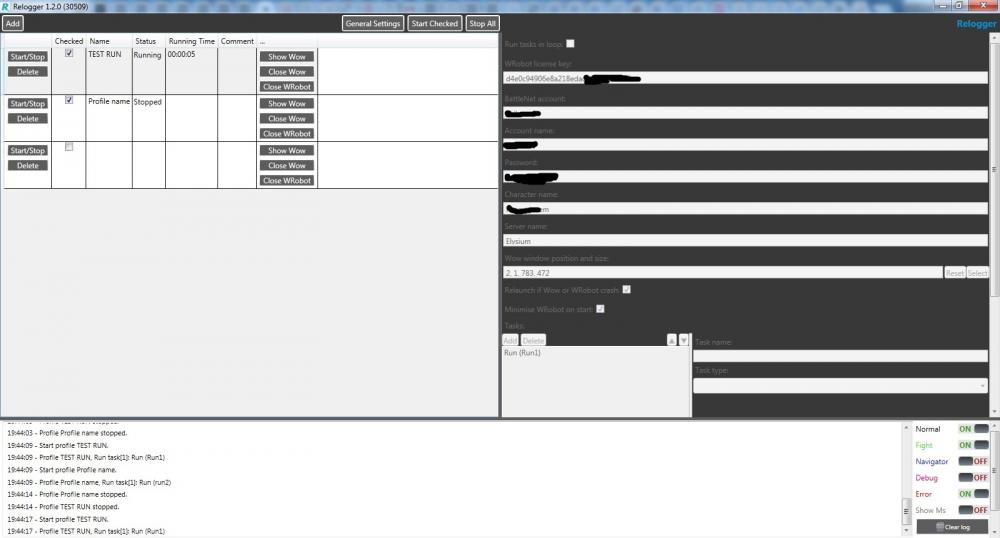
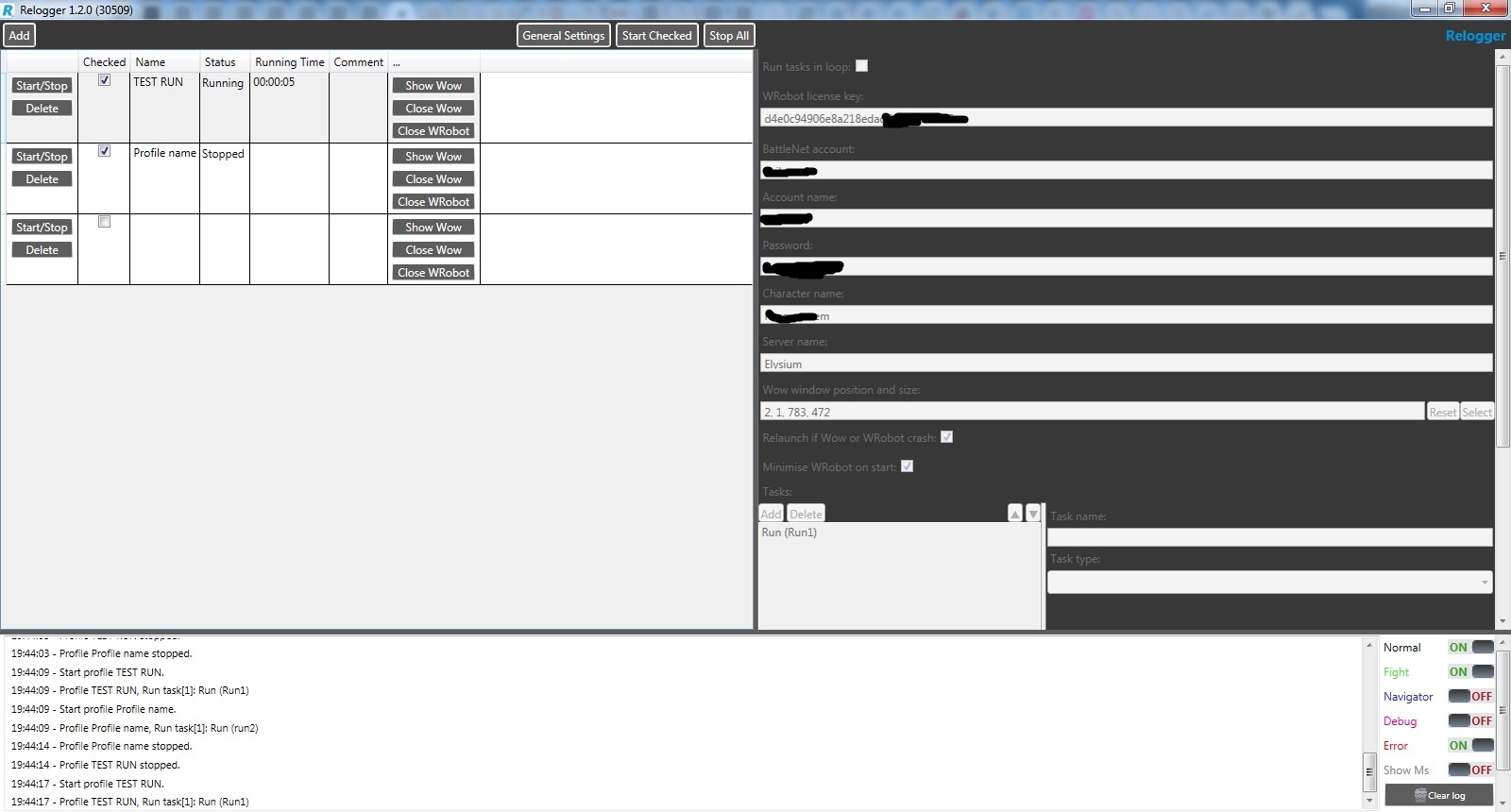
Hello, trying to make Relogger working, but just nothing happens, when I press "start checked", or manually press "start" on created template, tryed different wow locations, different wow versions (vanilla, tbc, retail). Running in window, windows 7 x 64, any ideas whats wrong? My task is called 'Run1", the logs writes only this: 19:32:05 - Profile TEST RUN, Run task[1]: Run (Run1) Runtime is standart: 60-70, all settings is set (product, task type, fightclass, profile) Also "checked" box is blinking