
jasonluizwf
Members
-
Joined
-
Last visited
-
-
-
-
-
-
-
-
-
-
-
-
 GG
GG -
-
-
-
-
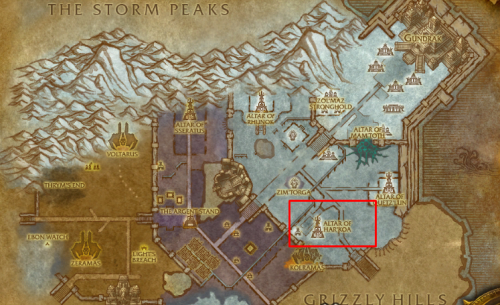
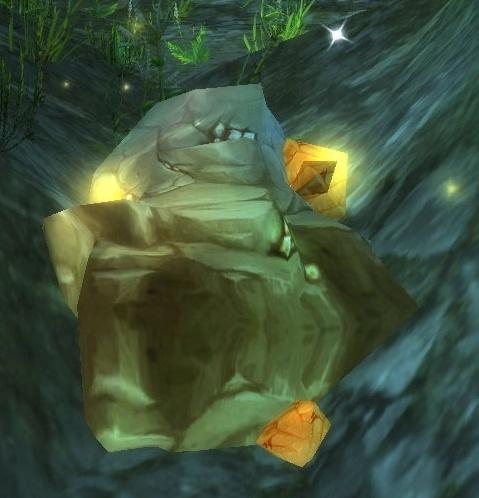 Thinking of people who, like me, do not earn in Euro or in dollars (I am Brazilian), the value of most waste pickers here is high because we pay in reais and the salary is very low. I created this leveling mining for people who can't afford it. I will be improving constantly according to your feedback. I hope I have helped many people! if you want to make a donation contact my email: [email protected] HOW TO USE: Extract the files to the: Wrobot > Profiles> Gatherer folder. Open the wrobot. In Main select Gatherer > Product Settings > Profile and select leveling. Select the General Settings > Fight Class AIO.dll In General Settings: Use Flying Mount [ON] Repair items [ON] Harvest Minerals [ON] Currently added: [A] Elwynn Forest - Mine 1-65 [A] Westfall - Mine 65 -125 [A] Duskwood - Mine 125 -175 [A] Burning Steppes - Mine 175 - 275 [A] Hellfire Peninsula- Mine 275 - 350 [A] Shadowmoon Valley - Mine 325 - 350 [A] Borean Tundra -Mine 350 - 375 [A] Sholazar Basin - Mine 400 - 450
 -
-
-
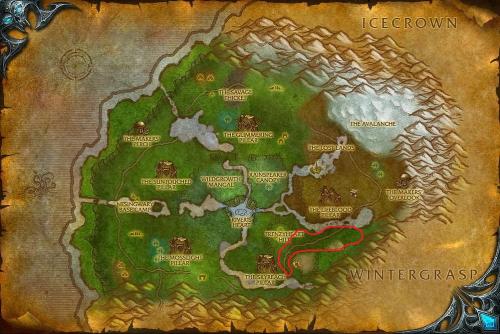 Hi how are you? I'm new to Wrobot and I decided to contribute to the Skinning that many people are looking for. I chose the Sholazar Basin as a place because there are many animals that we can kill. HOW TO USE: Select the Grinder file in the wrobot. Select the General Settings > Fight Class AIO.dll Still in General Settings: Loot mobs [ON] Skin/Gather/Mine Mobs [ON] Repair Items [ON] Use Flying Mount [ON] [START] I recommend using a level 80 character to create the skin. I'm still testing, thanks if you can provide your comments.
- 1 comment
- 2 reviews
-
-

- 1
-