wadthisno
Members
-
Joined
-
Last visited
Everything posted by wadthisno
-
 Hi! Thank you for making this awesome fightclass, works really well! However could you please add an 'Aspect turn on / off' option? Im getting oom in like 1 min because its keep switching between cheetah and hawk. Thank you
- 25 comments
- 3 reviews
-
-

- 1
-
-
-
-
 Hi! I prefer grinding with my rogue as he is always staying stealthed out of combat to reduce reports from other players. Is there any option to turn on / off permanent stealth mode? If so i will gladly buy the fightclass!
- 37 comments
- 5 reviews
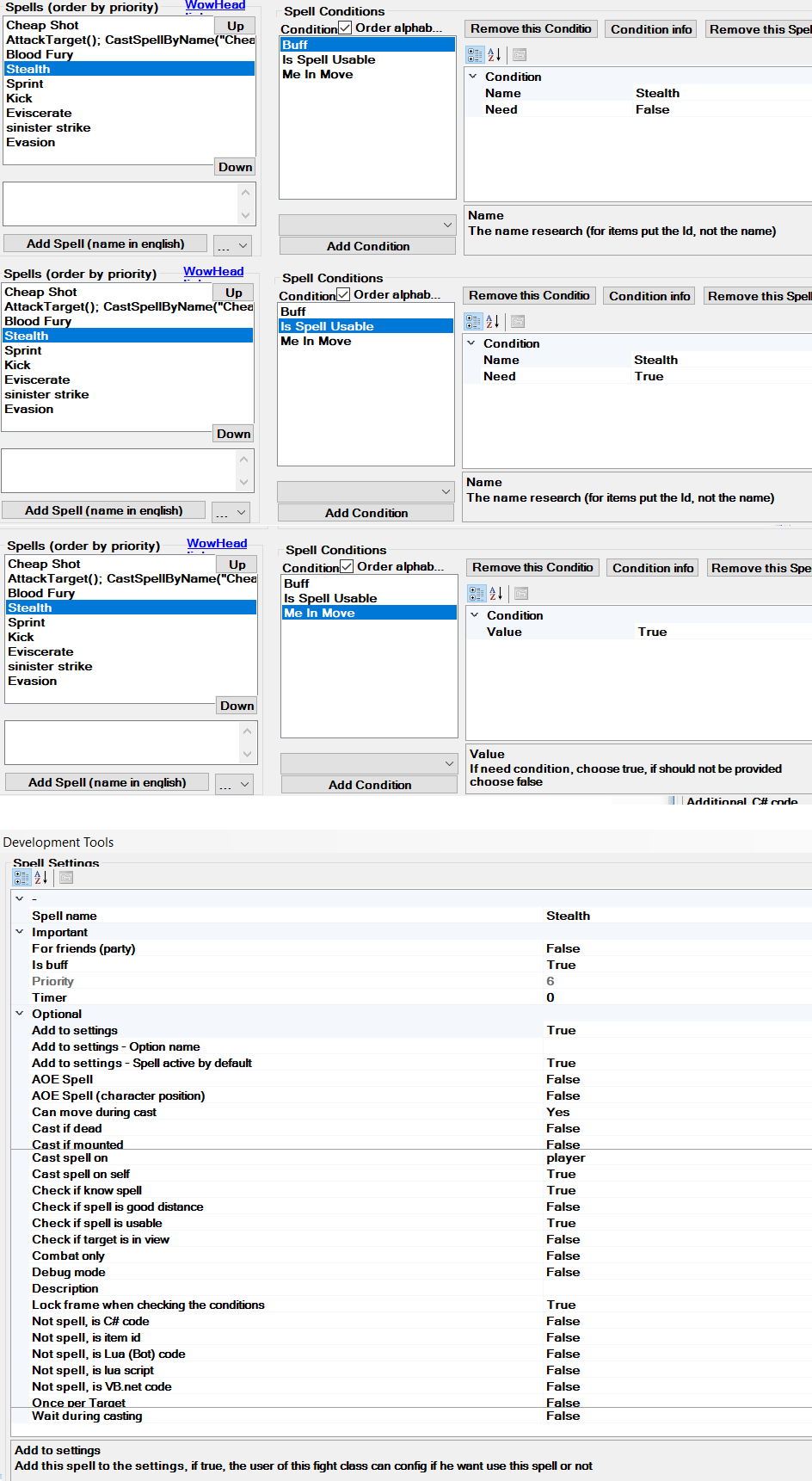
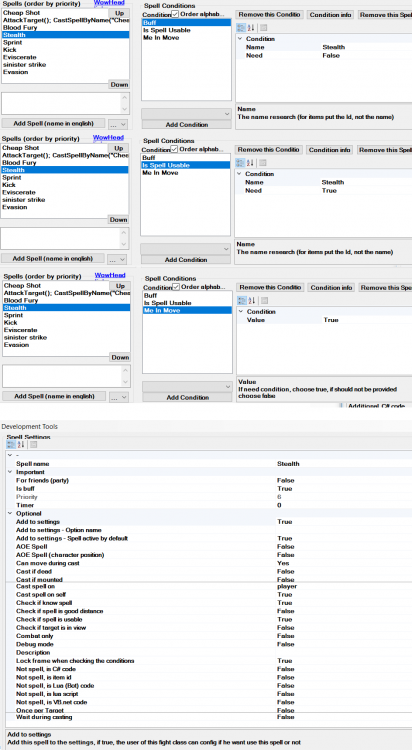
Hi! Im trying to grind level my rogue as safe as possible because its movement so stuttering, im probably getting a report from every other players. So i came up with the idea to make a fightclass thats always casts stealth out of combat, and stays stealthed between every mobs / npc. My problem is the bot casts stealth right after out of combat, and then loots wich is brakes the stealth. Is there any way to make a delay before casting the spell so it will loot / skin first and then casts stealth or any option to make a loot/skin -> stealth order? Thanks for the help!