bio33
WRobot user
-
Joined
-
Last visited
Everything posted by bio33
-
same thing, always banned on Outland but on Lorddaeron and icecrown all ok if someone not gang my bots
-
i think it report-check-banwave
-
Its not the bot problem, its server reports activity
-
-
-
-
-
-
-
-
-
thanks i will try it
-
how to make a bot open shells and bags?
-
 Thanks, I'm waiting for the news
 -
You able to create bear quest for Tauren? please
-
[E] 15:41:18 - Utility > ResizeAndMoveWindow(Process process, Rectangle rectangle): System.InvalidOperationException: Нет процессов, связанных с этим объектом. в System.Diagnostics.Process.EnsureState(State state) в System.Diagnostics.Process.EnsureState(State state) в System.Diagnostics.Process.get_MainWindowHandle() в Relogger.UqealobaloGipetai.Afokoaniel(Process pejalu, Rectangle hiepisuloefu) becouse that relogger skip opened window and openning new
-
-
Try in the properties of the WTF file in the attributes set-only reading
-
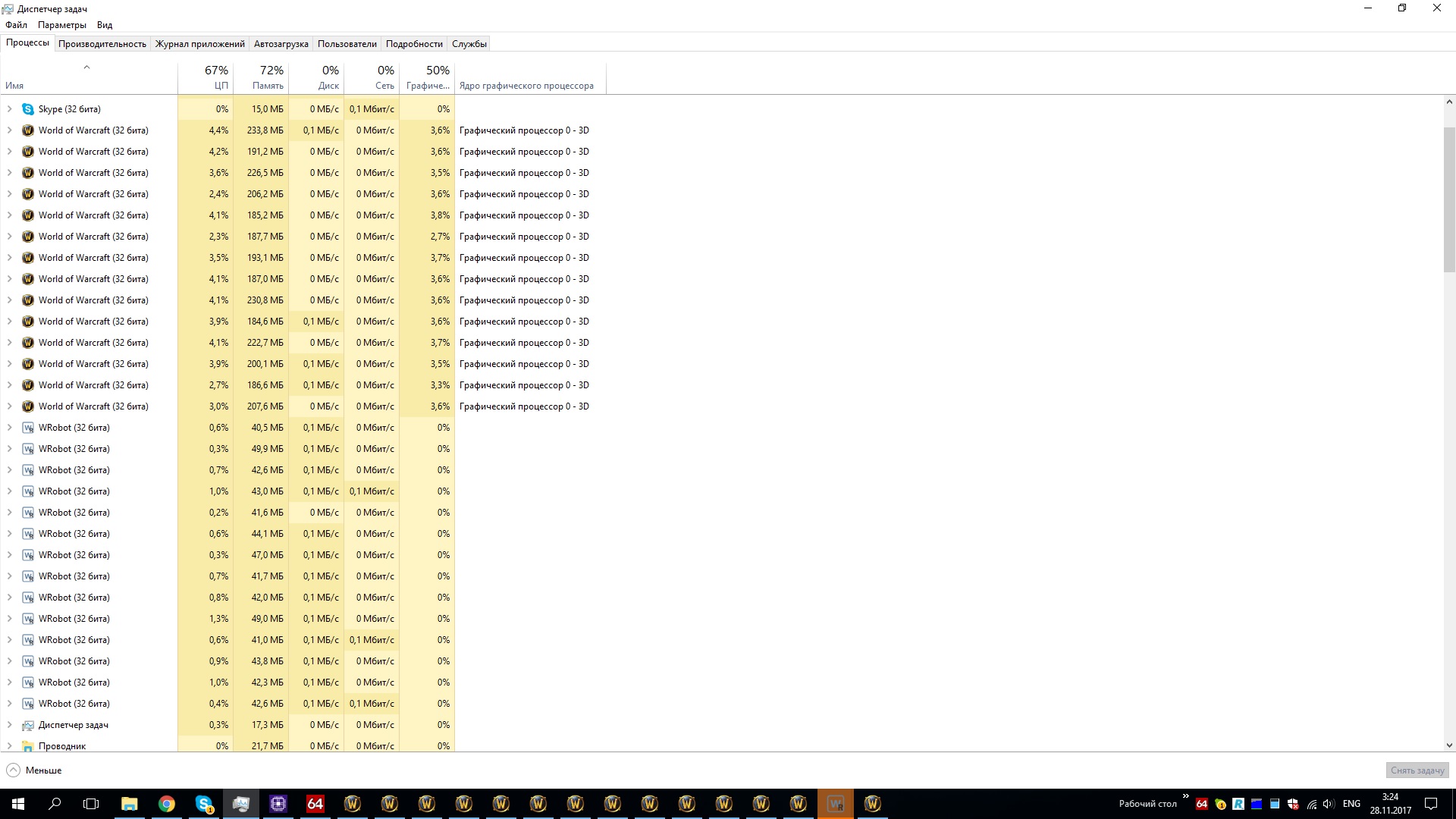
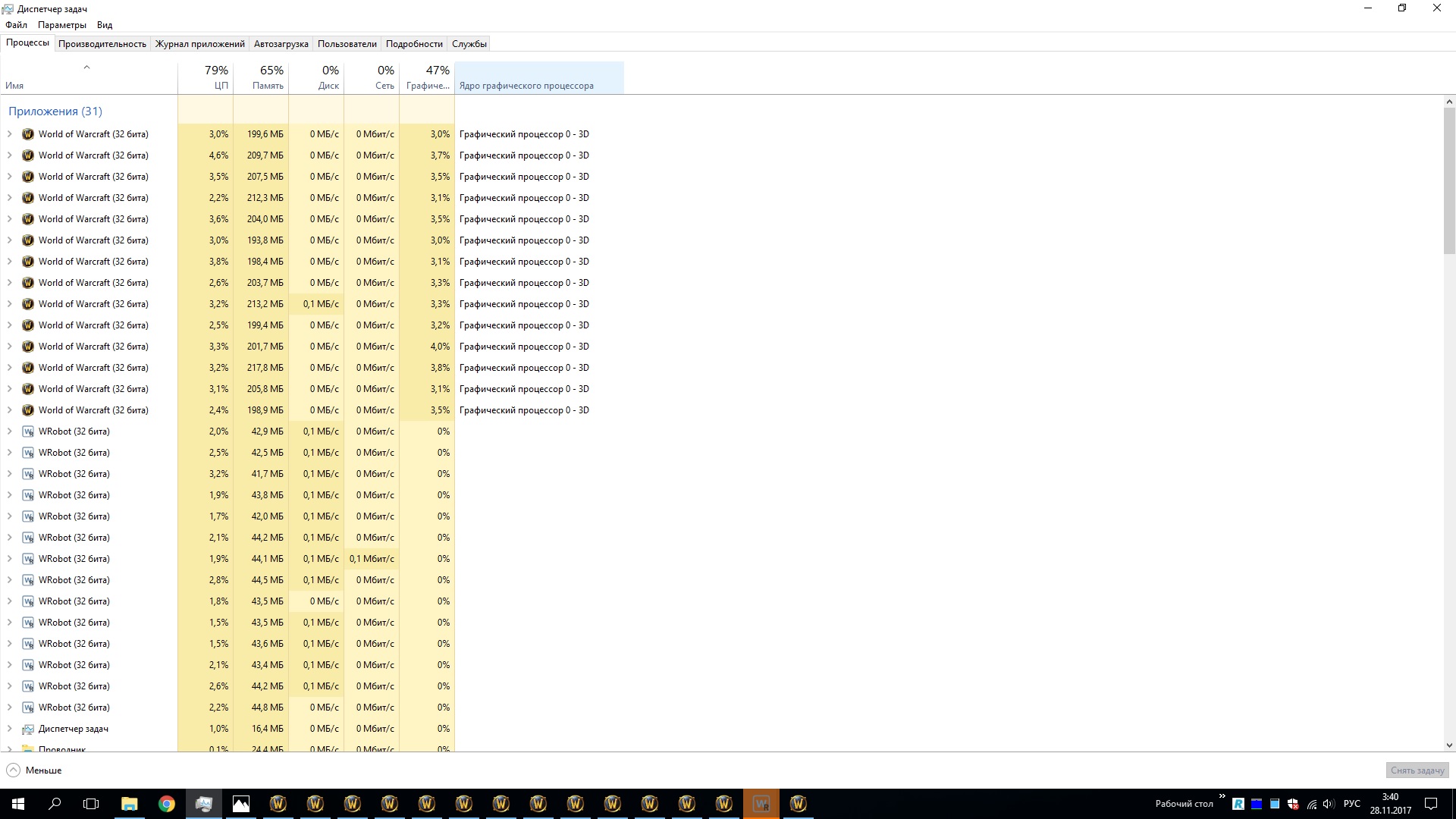
first screen on version before 2 updates, second screen on last update
-
28 ноя 2017 03H33 - obmsLY.log.html
-
sometime it use 95%
-
More cpu usage in last bot update?30 will be ok?Hello, what optimal fps for bot?