g2bazman
Members
-
Joined
-
Last visited
-
 A real good development, and it’s free, just use and share your impressions, and do not forget to thank the author, he did a titanic work, and if something is unaccounted for, he’s always ready to fix it
- 29 comments
- 13 reviews
-
-
-
-
-
-
-
thanks to you
-
I have the same problem, the food in the settings is listed but the bot just sits and waits until mana or health restores itself 29 июл 2018 08H19 - tbkHG.log.html
-
-
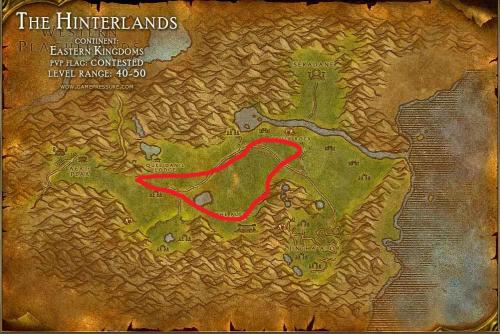 Tested by my 2 paladins who successfully pumped to level 52. Test friends and if there are problems waiting for reviews
 -
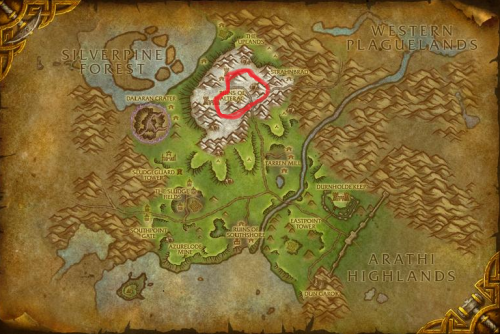 Tested by my 2 paladins who successfully pumped to level 41. Test friends and if there are problems waiting for reviews
 -
-
-